
Wireless listening has come a long way from the crackly, low-bitrate days of early headsets. Today, Bluetooth technology transmits high-quality audio that rivals many wired connections — but how does it actually work? The answer lies in clever codecs, faster radio links, and a few key settings you can control.
In this guide, we break down the process step by step, from pairing to playback. You will learn which codecs matter, why your phone and headphones must agree on them, and simple tweaks that instantly improve sound on the gear you already own.
Introduction
Bluetooth has become the default way we connect earbuds, headphones, speakers, soundbars, and car stereos. Yet many listeners still notice that wireless audio can sound flat, laggy, or inconsistent compared with a wired connection. The reason is not magic or marketing — it is a chain of engineering decisions about how audio is compressed, packetized, transmitted over radio waves, and reassembled at the other end. This article explores How Bluetooth Technology Transmits High-Quality Audio with clear, practical guidance so you can get better sound from the devices you already own.
Understanding the fundamentals of How Bluetooth Technology Transmits High-Quality Audio helps you make informed decisions. When you know which codec your phone and headphones share, how signal strength affects bitrate, and why latency matters for video, you stop guessing and start configuring. You also avoid paying for features that your devices cannot actually use.
Reliable information and consistent habits lead to better long-term outcomes. A few deliberate choices — matching codecs, managing interference, keeping firmware current — will outperform random tinkering every time. The sections below cover the concepts, a step-by-step process, best practices, and answers to common questions.
Key Concepts
Before optimizing anything, it helps to understand the vocabulary. Bluetooth audio quality is determined less by a single specification and more by the interaction of several layers.
Profiles and codecs
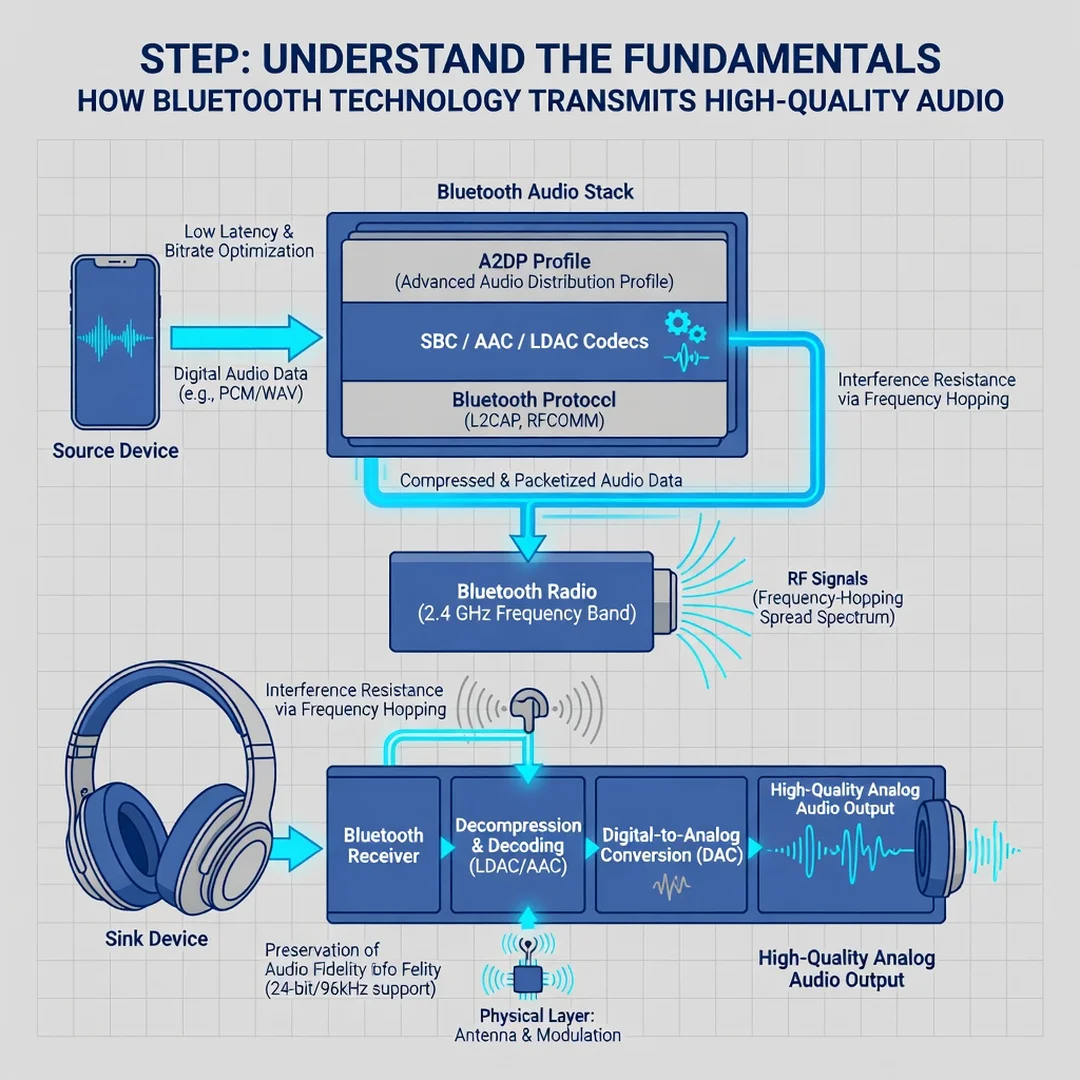
Bluetooth uses profiles to define how devices behave. For audio, the two most important are A2DP (Advanced Audio Distribution Profile) for one-way music streaming and HFP (Hands-Free Profile) for phone calls. A2DP carries stereo audio; HFP is optimized for voice and is intentionally narrowband in older versions.
Within A2DP, a codec determines how audio is compressed before transmission. Common codecs include:
- SBC — the mandatory baseline codec, supported by virtually every device. It is efficient but not the highest quality.
- AAC — widely used by Apple devices and many Android phones; performs well at moderate bitrates.
- aptX and aptX HD — Qualcomm codecs offering lower latency and higher bitrate on supported hardware.
- LDAC — Sony’s codec, capable of transmitting at up to 990 kbps, close to lossless performance in ideal conditions.
- LC3 and LC3plus — the modern codecs introduced with Bluetooth LE Audio, offering better quality at lower bitrates and lower power consumption.

Bitrate, bandwidth, and the radio link
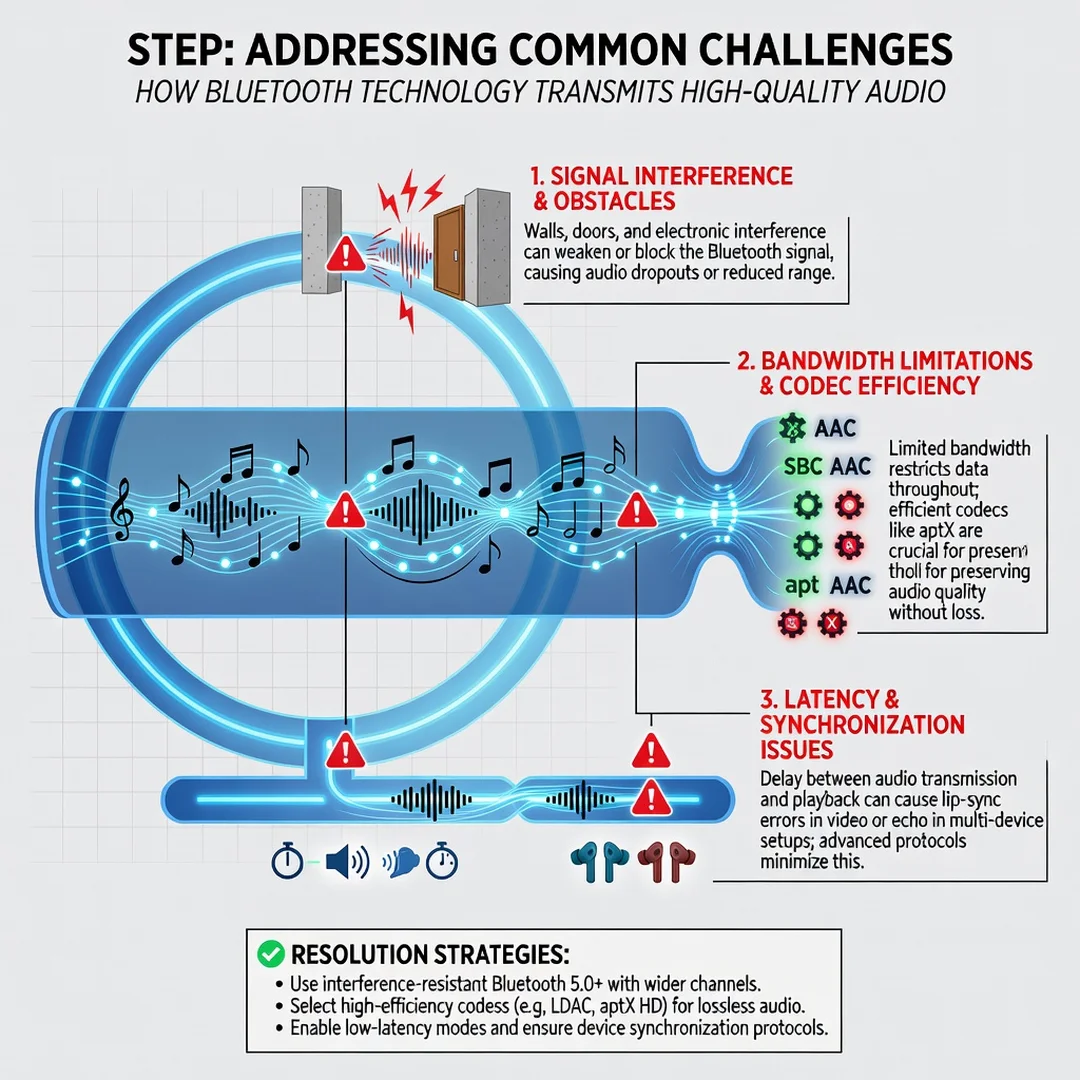
Bluetooth operates in the 2.4 GHz ISM band, the same crowded space used by Wi-Fi, microwaves, and many wireless peripherals. Classic Bluetooth audio typically uses 79 channels with frequency hopping to reduce interference. The effective throughput — and therefore the audio bitrate — depends on signal strength, distance, obstacles, and how many other devices are competing for airtime.
Latency and synchronization
Latency is the delay between the source sending audio and the receiver playing it. SBC and AAC often introduce 100–200 ms of delay; aptX Low Latency and LC3 can reduce this substantially. High latency causes lip-sync problems in video and delayed feedback in games. Many phones and players compensate with audio-video sync adjustments, but the cleanest fix is a low-latency codec on both ends.
Deep Dive
To transmit high-quality audio, Bluetooth must perform a sequence of operations quickly and reliably. Each stage introduces trade-offs.
From digital source to compressed stream
Your phone or computer holds audio as PCM samples — typically 44.1 kHz or 48 kHz, 16-bit or 24-bit. The Bluetooth encoder compresses this stream using the negotiated codec. A higher bitrate preserves more detail but consumes more bandwidth and battery. The encoder must balance quality against the available link capacity, which fluctuates as you move around.
Packetization and error handling
Compressed audio is split into packets and transmitted over the radio link. Bluetooth uses acknowledgment and retransmission to protect against packet loss. If interference is severe, the system either retransmits (adding latency) or drops packets (causing audible glitches). Adaptive bitrate algorithms lower the bitrate when the link degrades, which is why walking away from your phone can make music sound worse before it disconnects.
Reconstruction at the receiver
The headphones or speaker decode the stream and convert it back to analog. The quality of the digital-to-analog converter, amplifier, and drivers ultimately limits what you hear. A premium codec cannot rescue poor hardware, and excellent hardware cannot fully compensate for a low-bitrate stream.
LE Audio and the future
Bluetooth LE Audio, built on the LC3 codec, changes the rules. It delivers better quality at lower bitrates, supports multi-stream audio (independent left and right channels), enables broadcast audio, and improves battery life. As LE Audio adoption grows, the gap between wired and wireless audio will continue to narrow.
Step-by-Step Guide to Better Bluetooth Audio
Step 1: Understand the fundamentals
Start by identifying what your devices actually support. On Android, developer options often show the active codec and bitrate. On Windows or macOS, you can inspect the audio device properties. Look up the specifications for your headphones and phone. If your phone supports LDAC but your headphones only support SBC and AAC, LDAC is irrelevant. Write down the shared codecs — that short list is your real capability.
Step 2: Assess your starting point
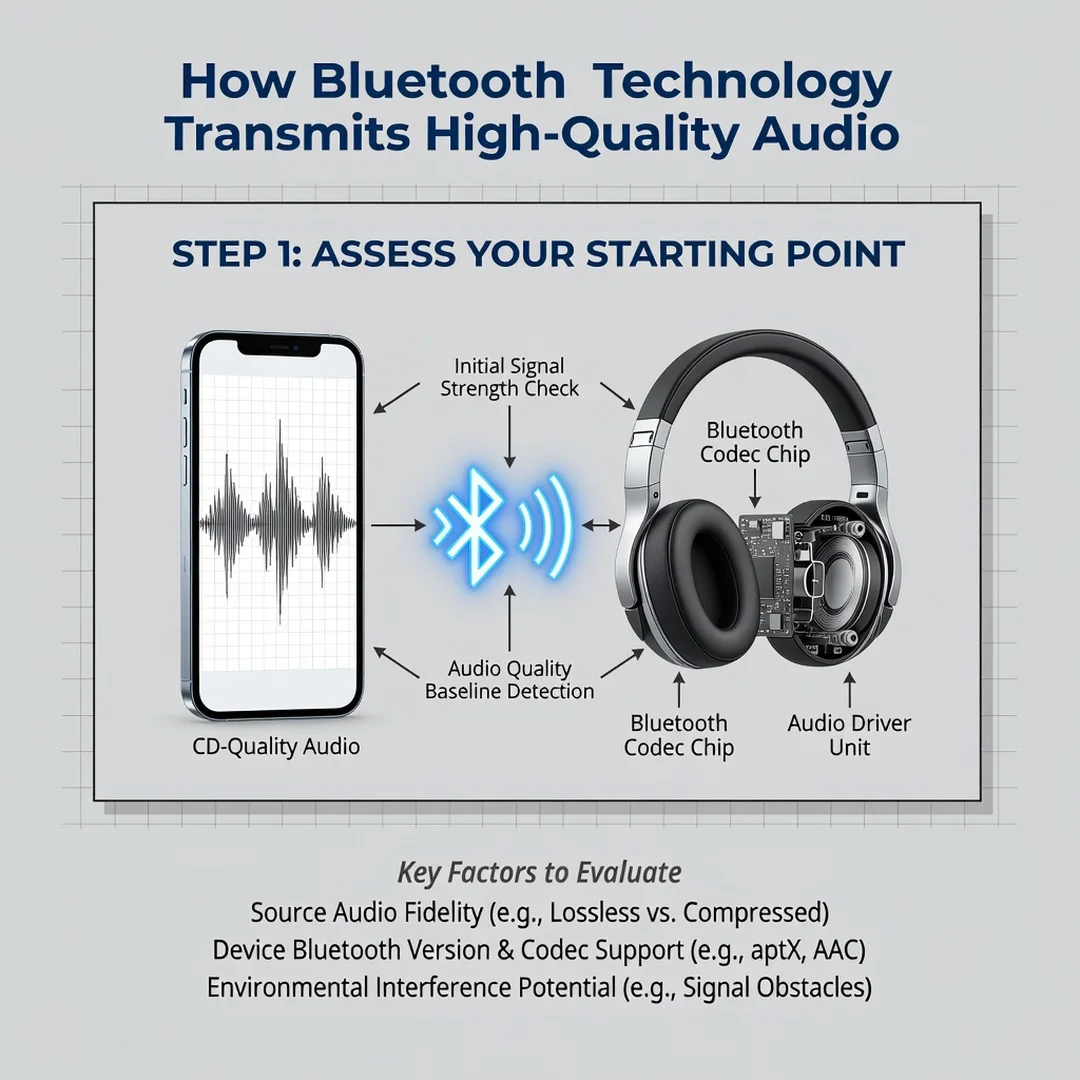
Test your current setup in the conditions you actually use it. Listen for specific problems:
- Hiss or muddiness — often indicates a low-bitrate codec or heavy compression.
- Stuttering or dropouts — usually interference, distance, or too many connected devices.
- Lip-sync delay — a latency issue, common with SBC and AAC in video apps.
- Sudden volume or quality shifts — adaptive bitrate reacting to a weak link.
Note when and where each problem occurs. This baseline tells you whether you need a codec change, a placement change, or new hardware.
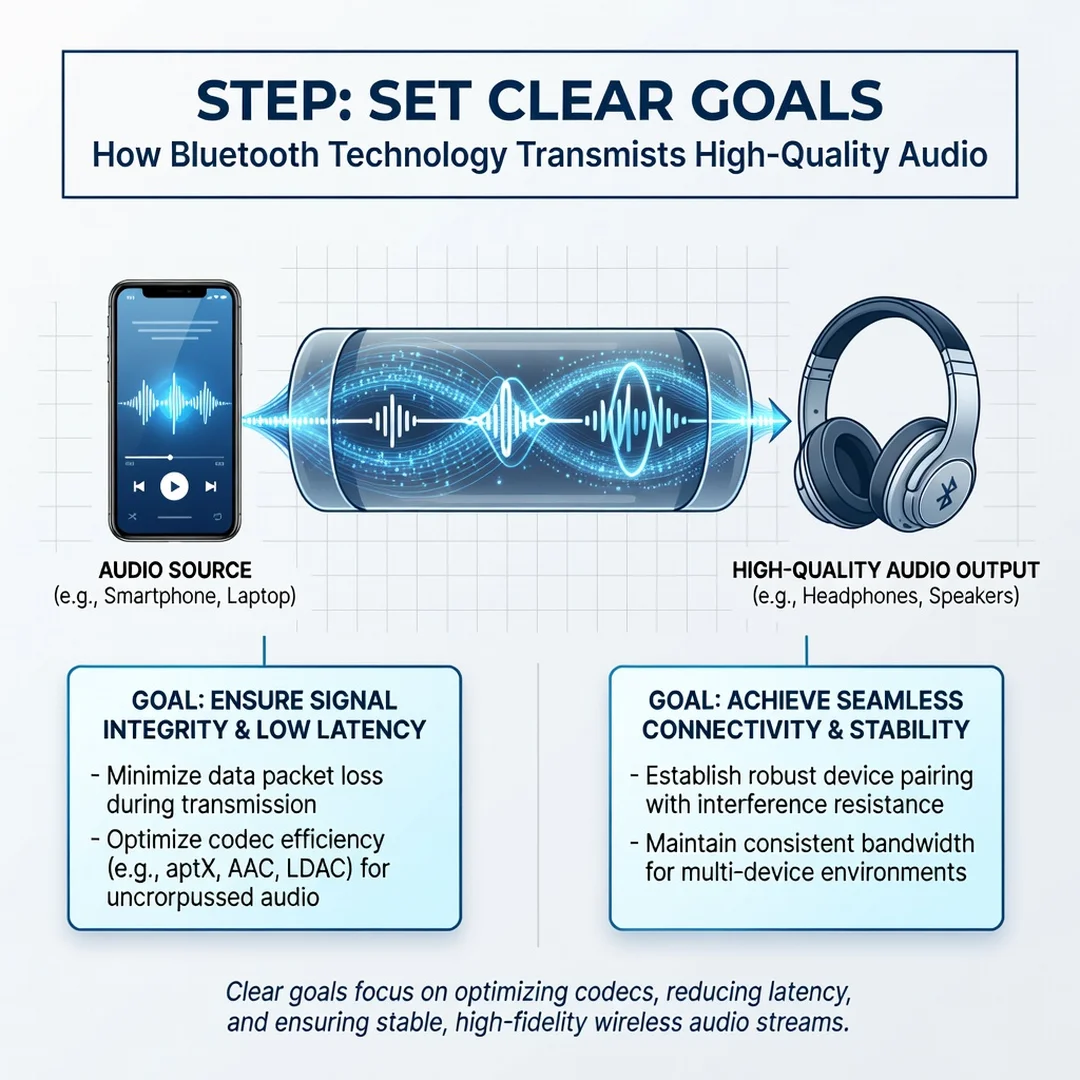
Step 3: Set clear goals
Define what “high quality” means for your use case. A commuter listening to podcasts has different priorities than a producer mixing tracks or a gamer needing low latency. Reasonable goals include: “no dropouts while walking around my apartment,” “accurate lip-sync on my tablet,” or “the best possible music quality at my desk.” Specific goals make it easy to judge whether a change helped.
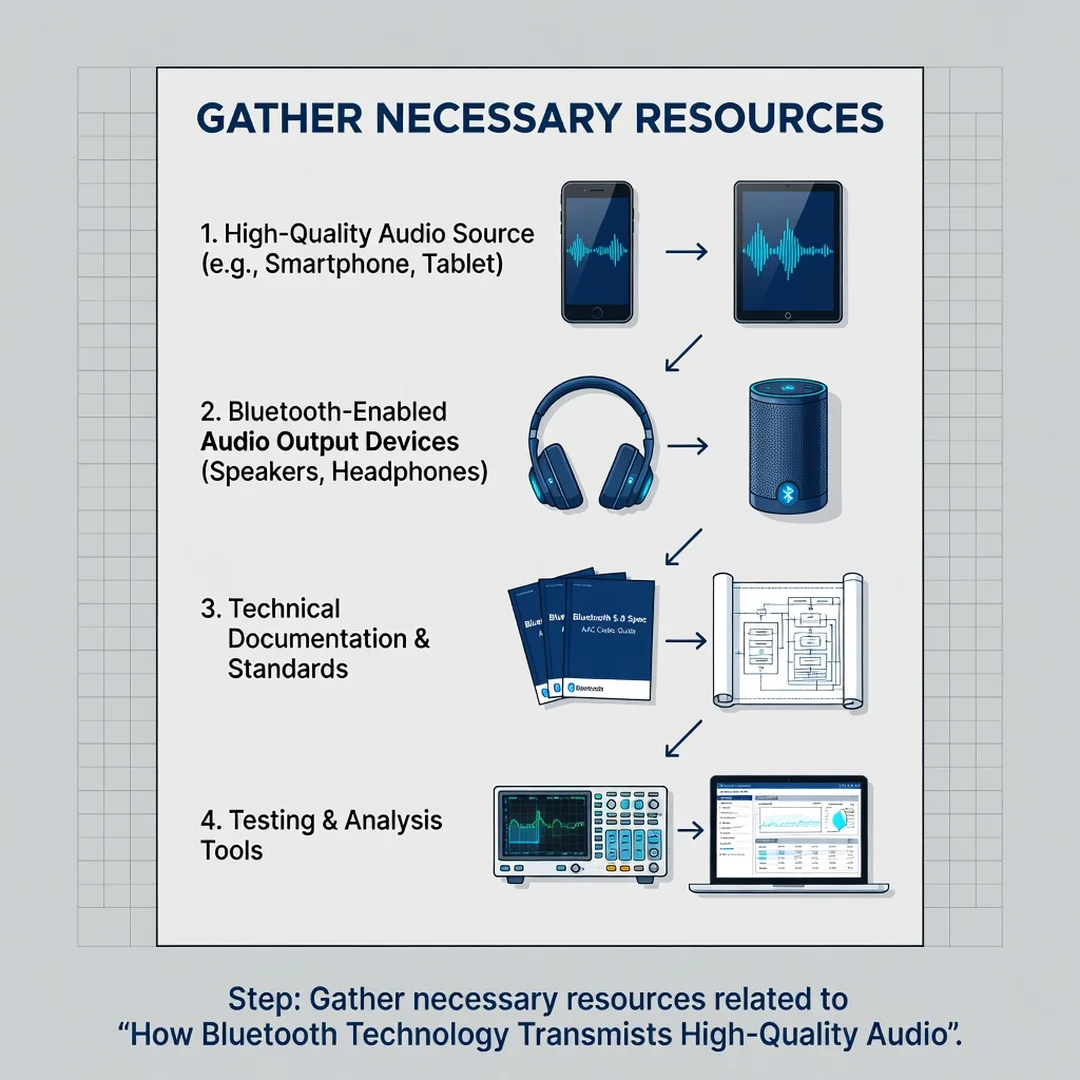
Step 4: Gather necessary resources
You need a few tools and pieces of information:
- Your device manuals or manufacturer spec pages.
- Access to Bluetooth or developer settings on your phone or computer.
- A quiet reference track you know well, for comparison.
- Firmware update utilities for your headphones and phone.
- Optionally, a codec-testing app or a Bluetooth analyzer to see link quality.
Gathering these upfront prevents trial-and-error frustration.
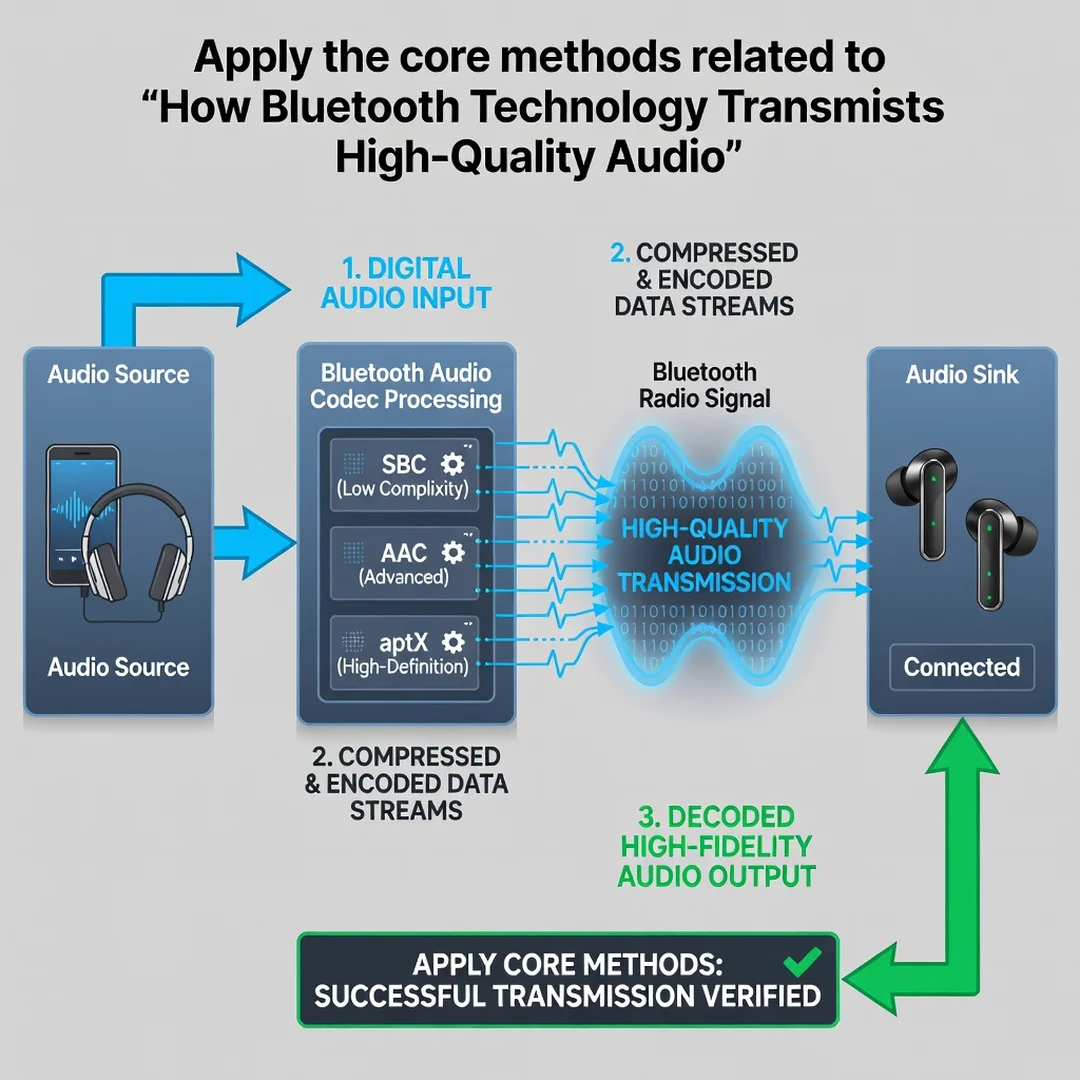
Step 5: Apply the core methods
Now make targeted changes, one at a time:
- Force a better codec where possible. In Android developer options, select LDAC, aptX HD, or aptX Adaptive if both devices support it. Some phones default to SBC for stability; manually choosing a higher codec can improve sound noticeably.
- Reduce interference. Move away from Wi-Fi routers, USB 3.0 hubs, and microwaves. Keep the source device in line of sight. Use the 5 GHz Wi-Fi band to free up 2.4 GHz airtime.
- Manage connections. Disconnect unused Bluetooth devices. Some headphones degrade quality when simultaneously connected to two sources.
- Update firmware. Codec support and stability fixes frequently arrive via firmware updates for both phones and headphones.
- Adjust player settings. Enable low-latency or “gaming” modes when watching video or playing games, and disable any battery-saving audio processing that compresses the stream.
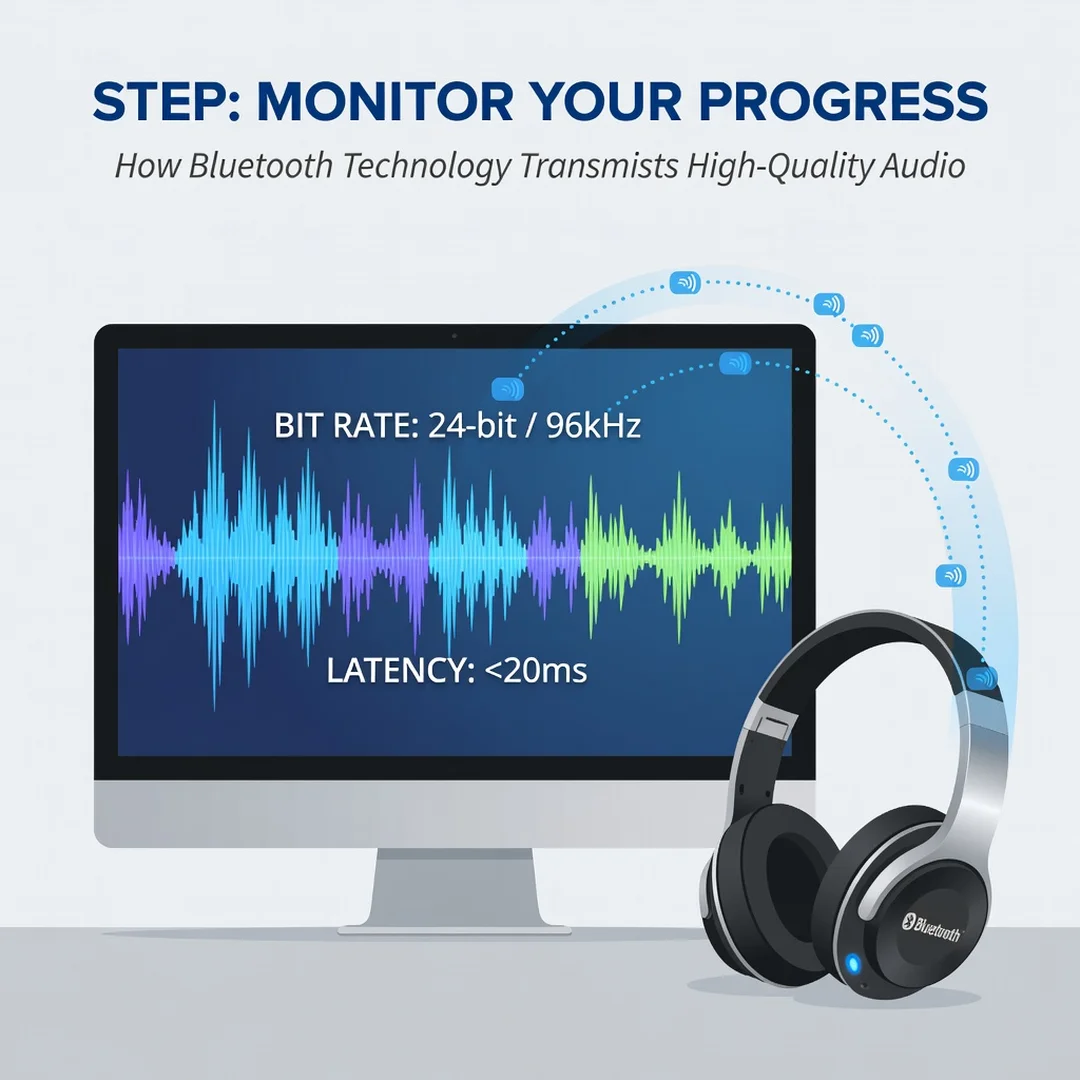
Step 6: Monitor your progress
Re-test under the same conditions you used in Step 2. Compare against your baseline: fewer dropouts, better sync, clearer detail. If a change made things worse, revert it. Keep a simple note of which codec and settings work best for each device pairing. Over time, this record becomes your personal reference and saves you from repeating experiments.
Best Practices
These habits consistently produce better wireless audio:
- Match codecs deliberately. Confirm that source and receiver share a high-quality codec before assuming you are using it.
- Keep the source close and unobstructed. Bluetooth range is theoretical; real-world performance drops through walls and bodies.
- Prioritize a clean 2.4 GHz environment. Fewer competing devices means fewer retransmissions and a more stable bitrate.
- Update firmware regularly. Manufacturers often improve codec efficiency, connection stability, and power use.
- Use wired mode when it matters. For critical mixing or zero-latency monitoring, a cable still wins. Bluetooth is for convenience with improving quality, not absolute fidelity.
- Understand LE Audio’s direction. When buying new gear, prefer devices that support LC3 and LE Audio for future-proof quality and battery life.
FAQ
What should I know about How Bluetooth Technology Transmits High-Quality Audio?
The single most important fact is that quality depends on the codec both devices share, the stability of the 2.4 GHz radio link, and the hardware that converts digital audio back to sound. No specification guarantees great sound on its own. Check your codec compatibility, reduce interference, keep firmware updated, and test with content you know well. If you do those things, you will get the best your equipment can deliver.
Who is this guide for?
This guide is for anyone who uses Bluetooth headphones, earbuds, speakers, or car audio and wants clearer, more reliable sound without buying unnecessary equipment. It is written for general readers — no engineering background required — and applies to Android, iOS, Windows, macOS, and most consumer audio devices. If you have ever wondered why wireless audio sometimes disappoints, this guide is for you.
Conclusion
Bluetooth audio quality is the result of many small decisions working together: the codec you negotiate, the cleanliness of the 2.4 GHz band, the distance between devices, and the quality of the hardware at both ends. By understanding these layers and following a structured process — assess, set goals, apply changes, monitor results — you can meaningfully improve what you hear. Reliable information and consistent habits lead to better long-term outcomes, whether you are streaming music, taking calls, or watching video. Start with the codec, clean up your wireless environment, and let the technology do the rest.
You now have a solid foundation for How Bluetooth Technology Transmits High-Quality Audio. Apply the best practices above and revisit this guide as your needs evolve.