
If you’ve ever wondered why some tracks sound richer and more detailed than others, the answer often lies in hi-res audio. This format captures far more musical information than standard MP3s or CDs, preserving the subtle textures, depth, and dynamics that artists intended you to hear.
In this guide, we’ll explain what hi-res audio is in plain language, how it works under the hood, and what you actually need to enjoy it. By the end, you’ll know whether upgrading your setup is worth it—and how to do it without overspending.
Introduction
If you have shopped for headphones, speakers, or a music streaming subscription lately, you have almost certainly run into the term “hi-res audio.” It appears on product boxes, in app settings, and in marketing copy that promises sound “just as the artist intended.” But what does it actually mean, and does it matter for the way you listen every day? This article explores What Is Hi-Res Audio and How Does It Work with clear, practical guidance, so you can decide whether the upgrade is worth your money and attention.
At its core, hi-res audio is a label for audio that carries more detail than a standard CD. That extra detail comes from higher sample rates, greater bit depth, or both. Whether you can hear the difference depends on your ears, your equipment, and the quality of the original recording. Understanding the fundamentals of What Is Hi-Res Audio and How Does It Work helps you make informed decisions instead of buying into buzzwords. By the end of this guide, you will know the vocabulary, the signal chain, the common pitfalls, and the habits that actually improve your listening experience over time.
Key Concepts
To make sense of hi-res audio, you need a small set of terms. These concepts form the foundation for everything that follows.
Sample rate
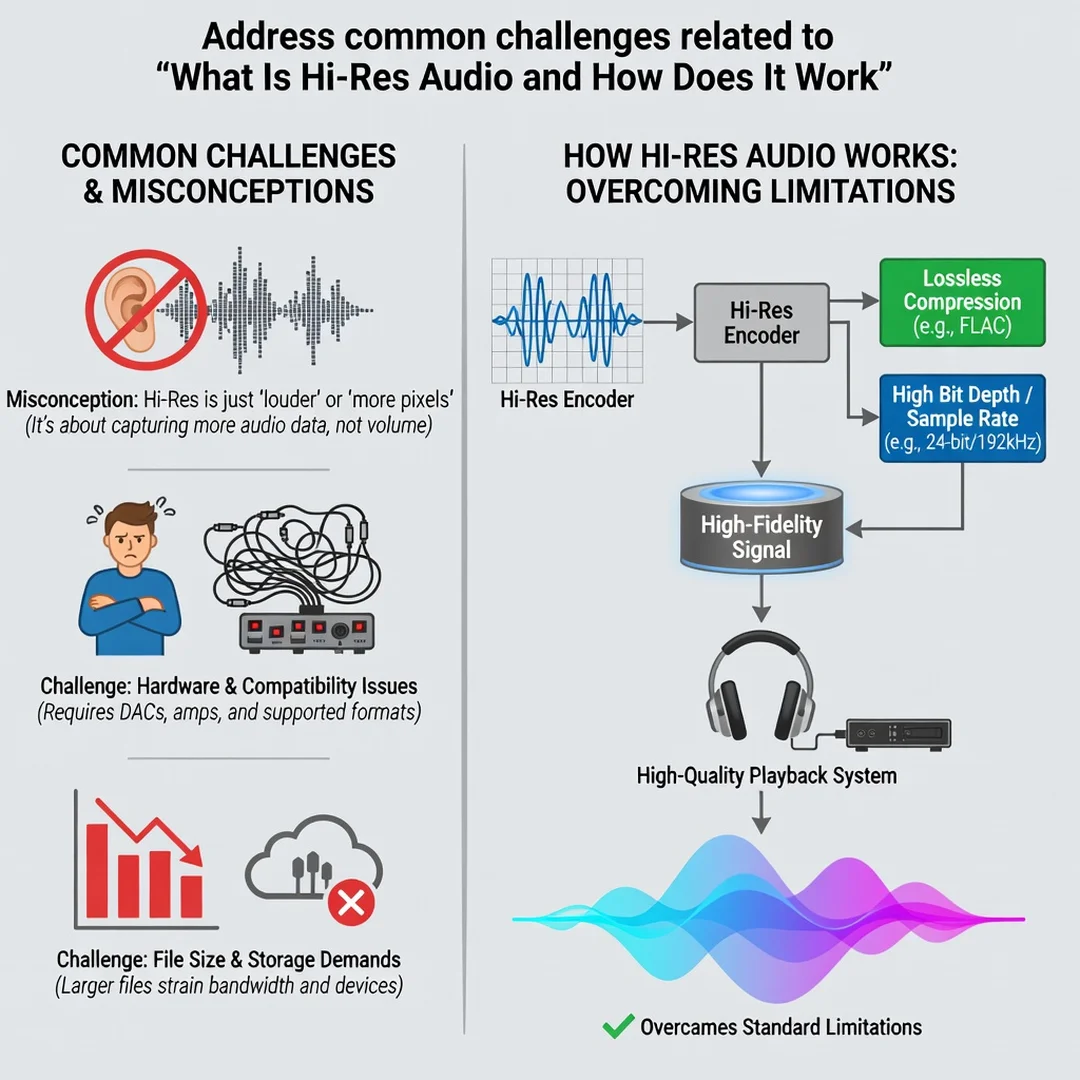
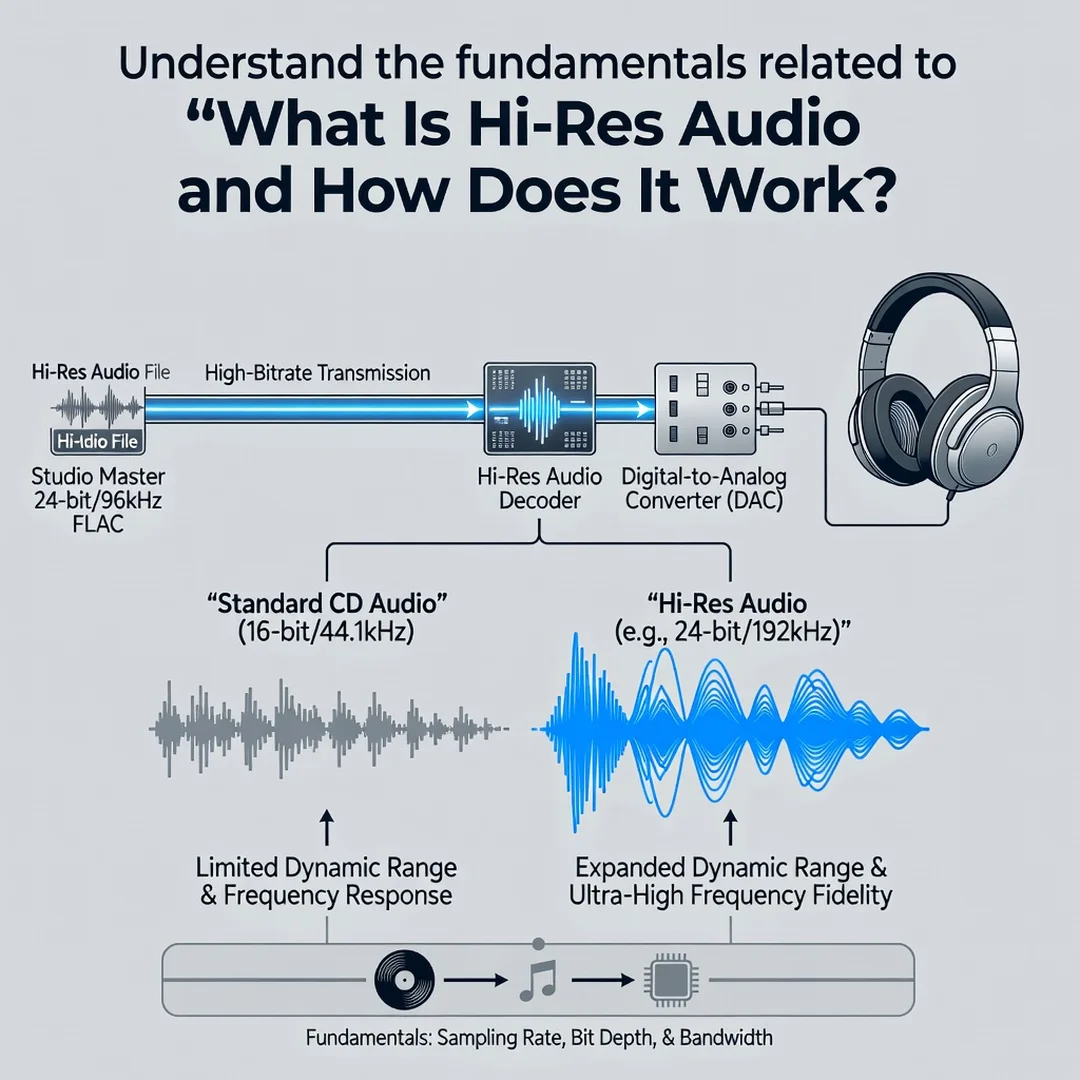
Digital audio is a series of snapshots. The sample rate tells you how many snapshots are taken each second, measured in kilohertz (kHz). A CD uses 44.1 kHz, meaning 44,100 samples per second. Hi-res files commonly use 96 kHz or 192 kHz. Higher sample rates can capture higher frequencies, but human hearing generally tops out around 20 kHz, so the audible benefit is less about frequency and more about how the signal is reconstructed.
Bit depth
Bit depth describes how precisely each snapshot records loudness. CD audio uses 16 bits; many hi-res files use 24 bits. More bits mean a lower noise floor and more dynamic range — the distance between the quietest and loudest sounds. In practice, 24-bit audio gives engineers more headroom during recording and mastering, which can lead to cleaner final results.
Lossless vs. lossy
MP3 and AAC are lossy formats: they discard data to shrink file size. FLAC, ALAC, and WAV are lossless: they preserve all the original data. Hi-res audio is almost always lossless, and often at resolutions above CD quality. A lossless file is not automatically hi-res, though — it must also exceed CD resolution in sample rate or bit depth.
The signal chain
Hi-res audio only survives if every link in the chain supports it. The source file, the playback app, the DAC (digital-to-analog converter), the amplifier, and the headphones or speakers all matter. One weak link downgrades the whole experience. This is the single most important concept in this entire topic, and it explains why many listeners never actually hear hi-res audio even after paying for it.
Deep Dive
Now let us put those concepts together and examine how hi-res audio actually works from file to ear.
From studio to file
Modern recordings are often captured at 24-bit/96 kHz or higher. During mixing and mastering, engineers work with that extra headroom to avoid clipping and to preserve subtle detail. When the final master is exported, it may be downsampled to CD quality for streaming, or kept at full resolution for hi-res storefronts and services. The quality of the original recording session sets the ceiling; no playback format can add detail that was never captured.
How your device decodes it
Your phone or computer reads the digital file and sends it to a DAC, which converts the stream of numbers into an analog electrical signal. Standard built-in DACs often cap out at CD quality. External DACs and dedicated players handle higher resolutions. Some operating systems also resample audio on the fly, which can silently convert hi-res files down to 48 kHz before they ever reach your headphones.
Why the difference can be subtle
In blind tests, many listeners cannot reliably tell CD quality from hi-res. That is not a reason to dismiss hi-res — it is a reason to be realistic. Benefits show up most clearly on well-mastered recordings, with high-quality headphones or speakers, in a quiet room. In noisy environments or with budget earbuds, the advantage shrinks dramatically. The mastering, the transducer, and the listening environment usually shape your experience more than the file resolution does.
Where hi-res fits in daily life
For casual listening on a commute, standard lossless or even high-bitrate lossy audio is often plenty. For focused listening at home with good gear, hi-res can add a sense of space and smoothness. The point is to match the format to the context rather than chasing the highest number on a spec sheet.
Best Practices
Getting real value from hi-res audio is less about spending more and more about spending wisely. These practices keep you grounded.
- Upgrade your weakest link first. Headphones or speakers usually make the biggest audible difference, followed by the DAC and amp. Do not buy a hi-res player for mediocre earbuds.
- Check your source. Confirm that your streaming tier, files, and app actually deliver the resolution you expect. Many services label tracks as hi-res only on certain plans or devices.
- Disable unnecessary processing. Turn off EQ, spatial audio, and normalization when evaluating hi-res, since those features can mask or undo the differences.
- Match the format to the moment. Use hi-res for critical listening; use efficient lossy formats for the gym, the train, or background music.
- Keep reliable references. Maintain a few well-recorded tracks you know intimately and use them to compare gear and settings consistently.
- Protect your hearing. No format beats healthy ears. Keep volumes moderate and take breaks during long sessions.
Reliable information and consistent habits lead to better long-term outcomes, both in audio and in most technical pursuits. Avoid hype-driven purchases and instead build your system step by step, testing as you go.
Step-by-Step: Getting Started with Hi-Res Audio
If you want to move from curiosity to a working setup, follow this sequence. Each step builds on the last, and you can stop wherever your needs are satisfied.
Step 1: Understand the fundamentals
Before buying anything, make sure you can explain sample rate, bit depth, and lossless versus lossy in your own words. Read a few reputable sources and compare their explanations. This step costs nothing and prevents expensive mistakes. When you understand that 24-bit/96 kHz means more data, not automatically better sound, you are ready to evaluate gear honestly.
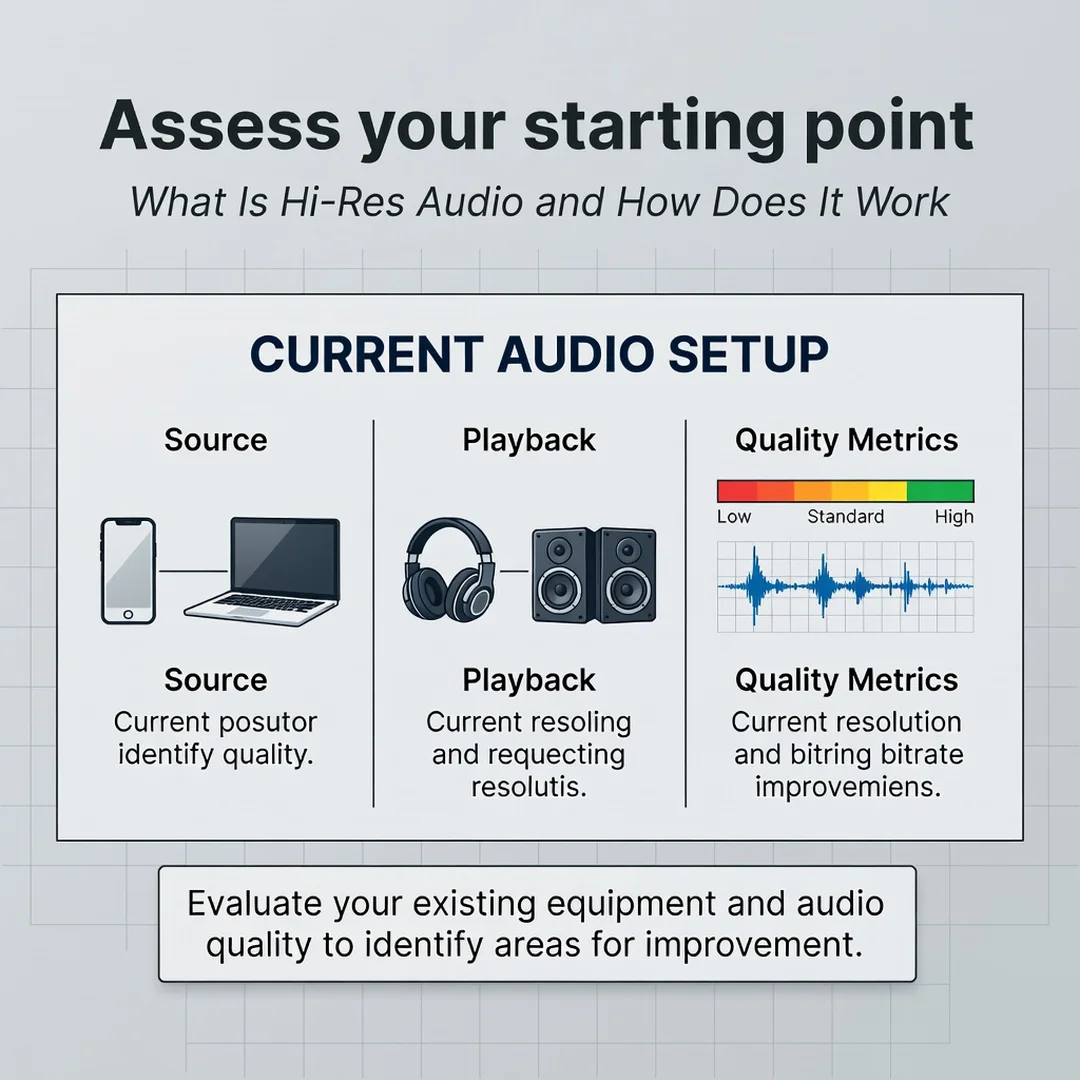
Step 2: Assess your starting point
List everything in your current signal chain: the source (phone, computer, streamer), the app, the DAC, the amplifier, and the headphones or speakers. Identify the weakest component. If you are using bundled earbuds, that is your bottleneck. If you have good headphones but a laptop with a noisy headphone jack, the DAC is your bottleneck. Write it down.
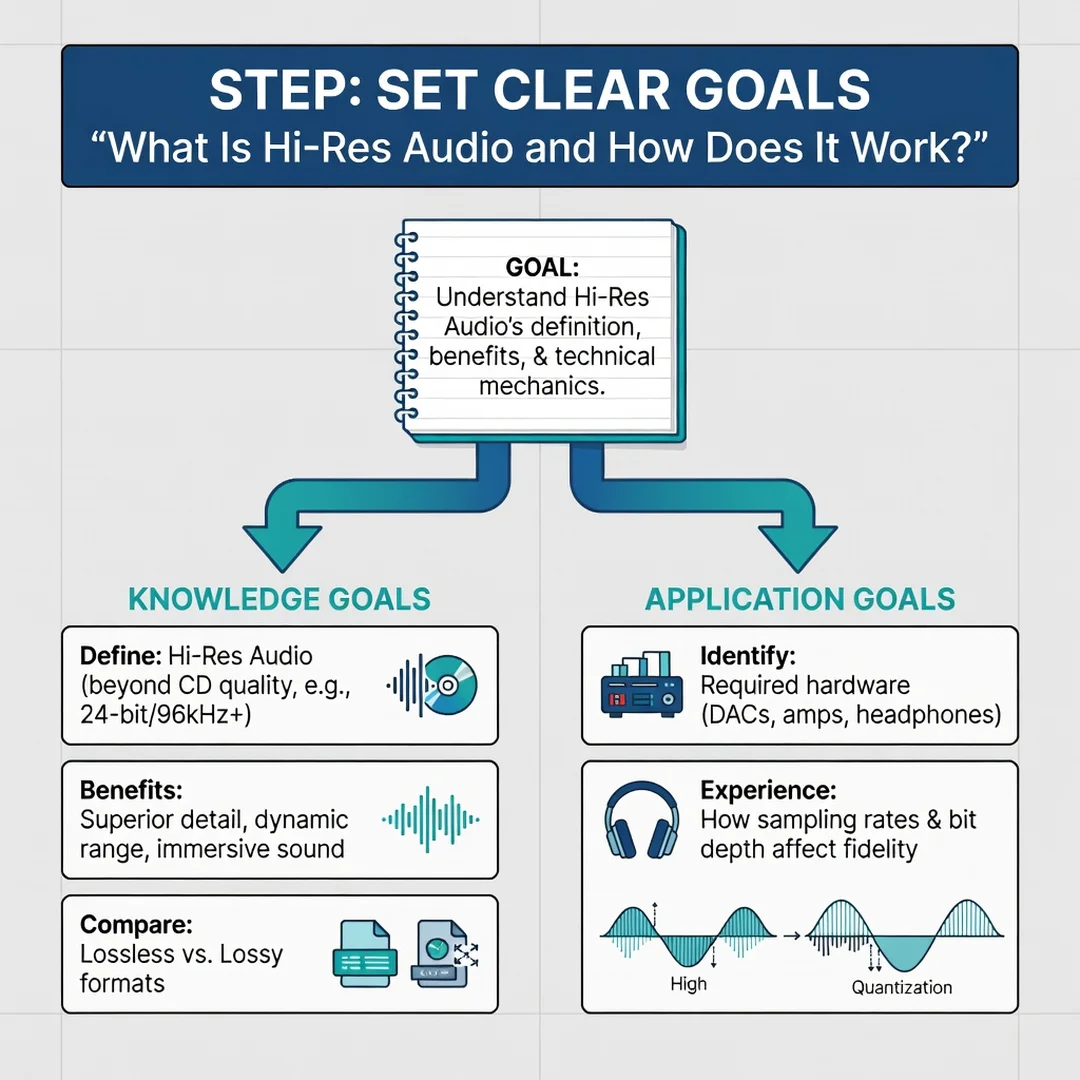
Step 3: Set clear goals
Decide what you actually want. Is it more detail during focused listening at home? Better sound on the go? A future-proof library of files you own? Your goal determines your budget and your format choices. A commuter may be perfectly served by lossless on a good pair of in-ear monitors, while a home listener may want a dedicated DAC and open-back headphones. Clear goals keep you from buying features you will never use.
Step 4: Gather necessary resources
Based on your goal, collect what you need: a hi-res-capable streaming plan or a few purchased files, an external DAC if your device needs one, appropriate headphones or speakers, and a quiet space for critical listening. Also gather reference tracks — well-mastered songs you know well. Free trials and return policies let you test equipment at low risk.
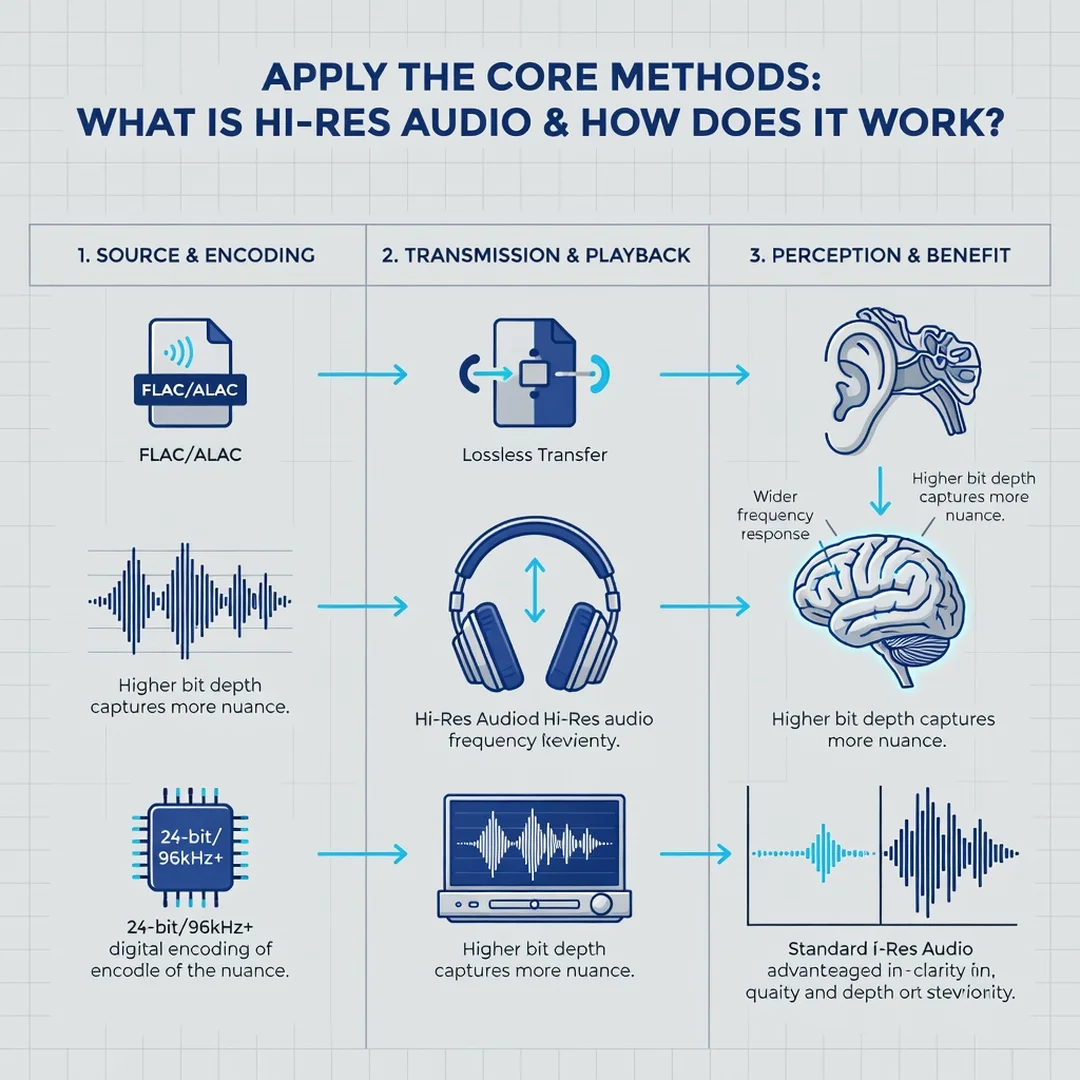
Step 5: Apply the core methods
Configure your playback software to output the native resolution of your files, bypassing system resampling where possible. Play your reference tracks at both CD and hi-res resolution, ideally without knowing which is which. Listen for subtle cues: smoother cymbals, more air around instruments, tighter bass, and a quieter background. Take notes on what you hear — or do not hear. There is no wrong answer; your perception is the only relevant data point.
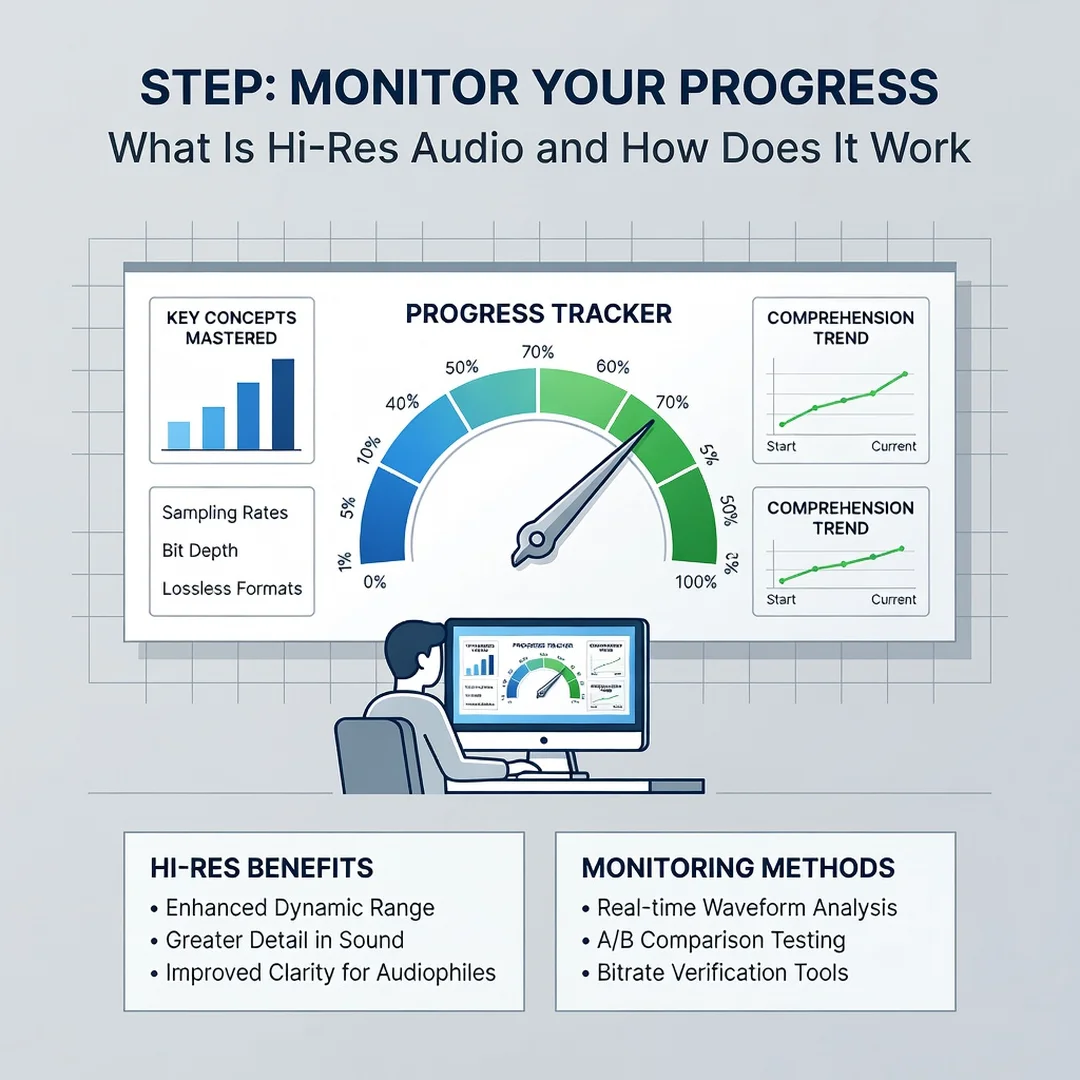
Step 6: Monitor your progress
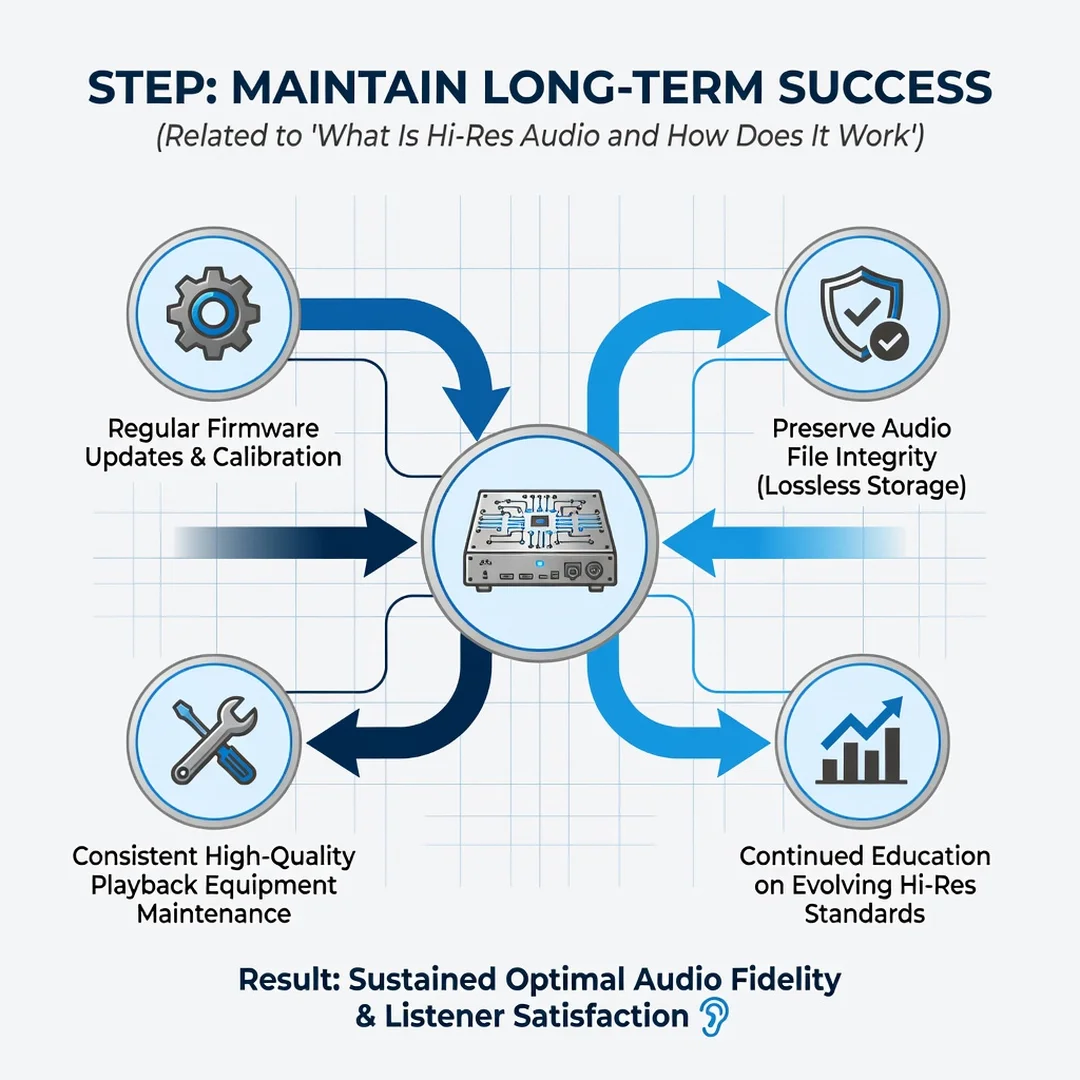
Revisit your setup every few months. Software updates, new headphones, and room changes all affect performance. Keep a simple log of settings and impressions so you can tell genuine improvements from placebo. Over time, this habit turns scattered purchases into a coherent system that matches how you actually listen.
FAQ
What should I know about What Is Hi-Res Audio and How Does It Work?
The essential takeaway is that hi-res audio means audio with more resolution than a CD, typically 24-bit depth and sample rates of 96 kHz or higher, stored in a lossless format. It works by preserving more data from the original recording, which a capable DAC then converts to analog. The catch is that every part of your chain — source, app, DAC, amp, and headphones — must support the format for you to benefit. Even then, the difference can be subtle and depends heavily on the recording and your listening environment.
Who is this guide for?
This guide is for anyone curious about hi-res audio, from casual listeners wondering whether to upgrade a streaming plan to hobbyists building their first headphone setup. It assumes no technical background and focuses on practical decisions rather than engineering theory. If you want to spend wisely, understand the marketing claims you encounter, and build habits that improve your listening over time, this guide is written for you.
Conclusion
Hi-res audio is not magic, and it is not a scam. It is simply a higher-resolution container for recorded sound, and its real-world value depends on the recording, the equipment, and the listener. By understanding sample rates and bit depth, auditing your signal chain, setting realistic goals, and testing with your own ears, you can decide for yourself whether the upgrade is worthwhile. Start with the fundamentals, fix your weakest link, and let consistent, informed habits guide your next purchase.
You now have a solid foundation for What Is Hi-Res Audio and How Does It Work. Apply the best practices above and revisit this guide as your needs evolve.