

Artificial intelligence is no longer a futuristic concept—it is actively reshaping how we create, edit, and consume sound. From smart speakers that understand natural language to studio tools that remove background noise in seconds, AI is transforming every stage of audio production and delivery.
For beginners and IT administrators alike, understanding how artificial intelligence is changing the audio industry is becoming essential. This article breaks down the key technologies, real-world applications, and infrastructure considerations you need to know.
Introduction
Artificial intelligence has moved from research labs into the everyday tools that audio engineers, podcasters, IT administrators, and hobbyists use. Whether you are editing a podcast, building a conference room sound system, or managing audio workloads on a Linux server, AI now shapes how sound is captured, processed, compressed, and delivered. This guide covers How Artificial Intelligence Is Changing the Audio Industry in practical, step-by-step detail, with a focus on what beginners and IT administrators need to know before deploying new tools.
For IT administrators, audio is no longer just a creative concern. AI-powered audio processing consumes CPU and GPU resources, depends on specific libraries, and often ships as containerized services. That makes audio a systems problem as much as a creative one. Understanding the basics helps you plan capacity, avoid compatibility traps, and keep production environments stable.
The core change is simple: instead of hand-tuning every parameter, AI models learn patterns from large datasets of speech, music, and noise. They then apply those patterns in real time or in batch. This shift lowers the skill barrier for beginners while raising new infrastructure questions for administrators.
Key Concepts
Before diving into implementation, it helps to map the terminology. AI in audio is not one technology; it is a family of techniques that solve different problems.
- Speech recognition (ASR): Converts spoken words into text. Used for transcription, captioning, and voice commands. Models like Whisper and various commercial APIs are common.
- Text-to-speech (TTS): Turns written text into natural-sounding speech. Modern neural TTS produces voices that are hard to distinguish from human recordings.
- Source separation: Splits a mixed recording into individual stems, such as vocals, drums, and bass. Useful for remixing, karaoke, and cleaning up noisy interviews.
- Noise suppression and enhancement: Removes background hum, keyboard clicks, or traffic noise while preserving speech. Often runs in real time during calls.
- Music generation: Creates original audio from prompts or parameters. Increasingly used for background tracks, jingles, and prototyping.
- Audio classification: Labels sounds, such as detecting gunshots, glass breaking, or specific machine faults in industrial monitoring.
- Neural audio codecs: Compress audio at very low bitrates while maintaining quality, which matters for streaming and VoIP.
On the infrastructure side, two concepts dominate. First, inference is the process of running a trained model on new audio. Second, latency is the delay between input and output. Real-time applications like live captioning demand low latency, while batch transcription can tolerate more. Hardware matters here: many models run faster on GPUs, but optimized CPU inference is often sufficient for small workloads.
Another key concept is the model format. Frameworks such as PyTorch, TensorFlow, and ONNX produce different file types. Always verify software compatibility with your hardware architecture (ARM64 vs x86), because a model compiled for x86 will not run on an ARM64 server without conversion or emulation.
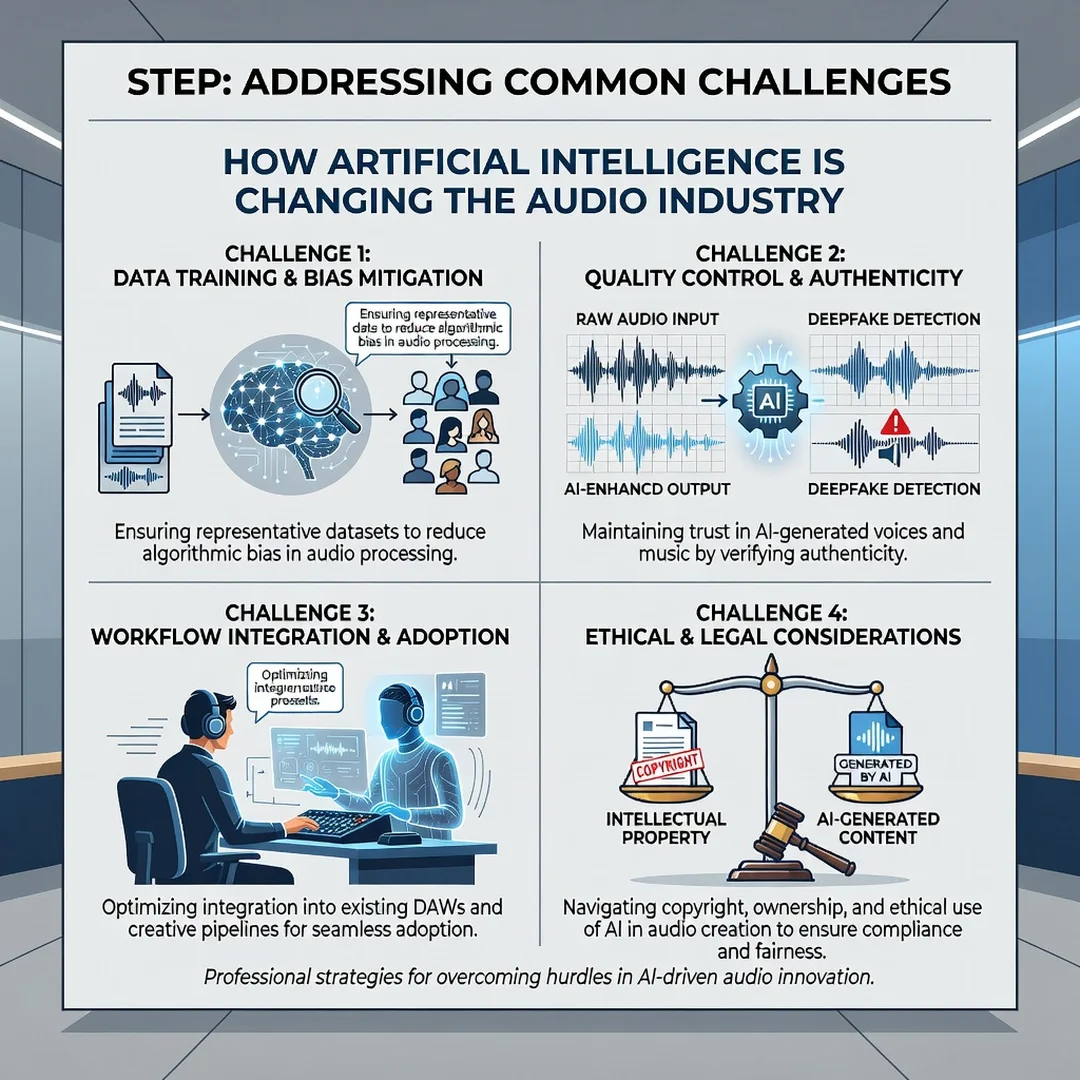
Deep Dive
To understand the impact, look at each stage of the audio pipeline and how AI changes it.

Capture and Cleanup
Traditionally, capturing clean audio required treated rooms and expensive microphones. AI noise suppression now runs on laptops and phones, filtering steady noise in real time. For IT administrators, this means audio quality depends less on physical acoustics and more on software configuration. That is convenient, but it also means a misconfigured model can distort voices or introduce artifacts.
Editing and Post-Production
AI tools can automatically remove silences, level volumes, de-ess, and even re-voice a speaker. Source separation lets editors isolate a noisy guest track without a re-record. These features compress hours of manual work into minutes, which changes project timelines and staffing needs.
Distribution and Accessibility
Automatic transcription and translation make content accessible across languages. Neural codecs reduce bandwidth for streaming. Recommendation engines, which are AI systems, decide what audio a listener hears next. For administrators, this means audio services increasingly integrate with identity, storage, and content delivery networks.
Infrastructure Implications
Running AI audio workloads on servers introduces dependencies. Common issues include missing audio libraries, incompatible CUDA versions, and Python package conflicts. Containerization helps isolate these dependencies, but containers still inherit the host kernel and CPU architecture. A typical deployment might use a GPU node for model inference and a CPU node for orchestration.
Consider a practical example. A university wants to transcribe lectures automatically. The IT team deploys an open-source ASR model in a container. If the server is ARM64-based, they must pull an ARM64 image; otherwise, the container fails at startup. They also need to confirm the model supports the language and accent mix. This illustrates why architecture checks should happen before installation, not after.
Another example is a call center using real-time noise suppression. The model must process audio in under 20 milliseconds to avoid noticeable delay. That constraint drives hardware selection and may rule out shared virtual machines with noisy neighbors.
AI also changes cost structures. Cloud transcription APIs charge per minute, while self-hosted models shift cost to hardware and administration. For high-volume workloads, self-hosting can be cheaper, but it requires ongoing maintenance and monitoring. For low-volume or bursty workloads, cloud APIs often win on simplicity.
Best Practices
Whether you are a beginner setting up your first AI audio tool or an administrator rolling it out to a team, these practices reduce risk.
- Verify architecture compatibility first. Always verify software compatibility with your hardware architecture (ARM64 vs x86). Check the vendor’s documentation, container registry, and model repository before downloading anything.
- Update the operating system before installation. Keeping your operating system updated before installation prevents dependency conflicts. Install security patches and confirm package repositories are current.
- Isolate dependencies. Use virtual environments for Python-based tools and containers for services. This prevents one project from breaking another.
- Test with representative audio. A model that performs well on clean studio recordings may fail on phone calls or accented speech. Test with real samples from your environment.
- Measure latency and resource usage. Track CPU, GPU, memory, and end-to-end delay. Set thresholds so you notice degradation before users do.
- Keep a human in the loop. AI transcription and restoration can make confident mistakes. Build review steps into critical workflows.
- Document model versions and licenses. Audio models carry different licenses for commercial use. Record what you deploy and why.
- Plan for failure. If a cloud API goes down, have a fallback. If a self-hosted model crashes, have monitoring and restart policies.
For beginners, the best practice is to start with a single tool and a small project. For administrators, the best practice is to treat AI audio services like any other production workload: versioned, monitored, and documented.
Step-by-Step Implementation
The following steps work for both individual users and IT teams. They assume you want to adopt AI audio tools methodically rather than experimenting randomly.
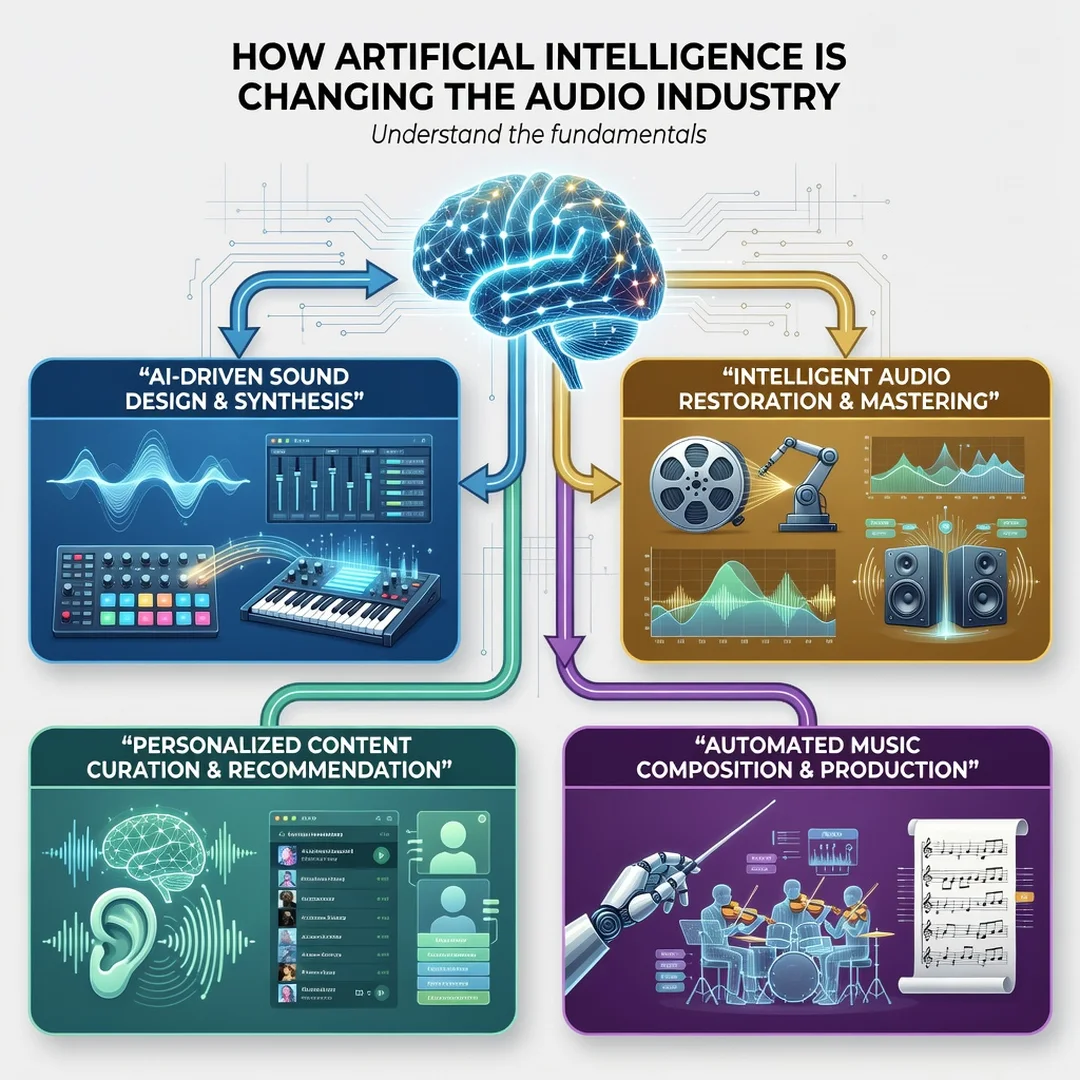
Step 1: Understand the fundamentals
Learn what the main AI audio tasks are: transcription, noise suppression, source separation, text-to-speech, and music generation. For each, know the input and output. For example, transcription takes audio and produces text with timestamps. Noise suppression takes audio and produces cleaned audio. Understanding this prevents you from choosing the wrong tool for the job. Spend time reading documentation and watching short demos. You do not need deep math knowledge to get started.
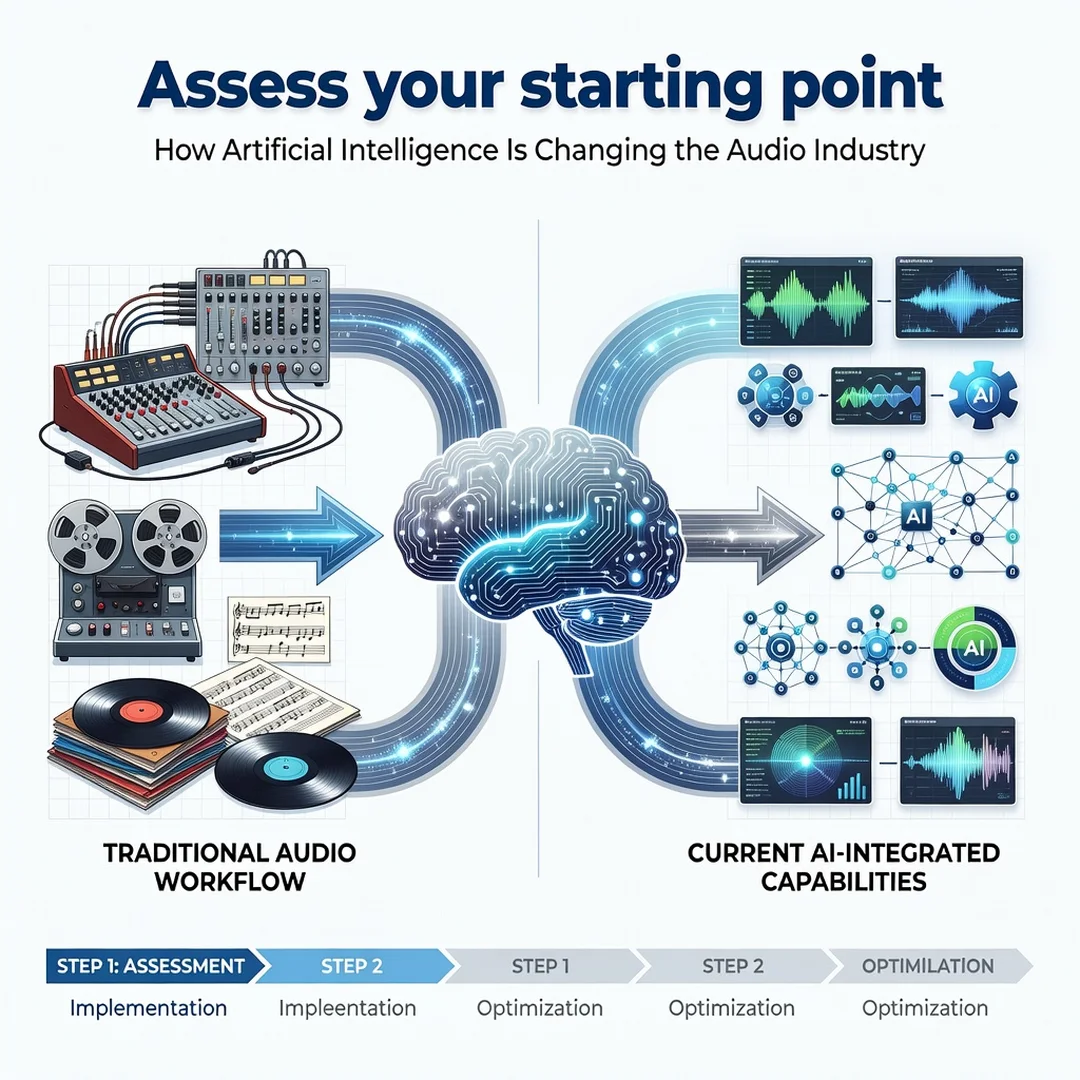
Step 2: Assess your starting point
Inventory your current hardware and software. Check whether your systems are ARM64 or x86, how much RAM and storage you have, and whether a GPU is available. Identify your operating system version and whether it is still supported. For administrators, also review network bandwidth, storage latency, and existing service dependencies. This assessment reveals constraints early. A common mistake is buying a model or service that requires hardware you do not have.
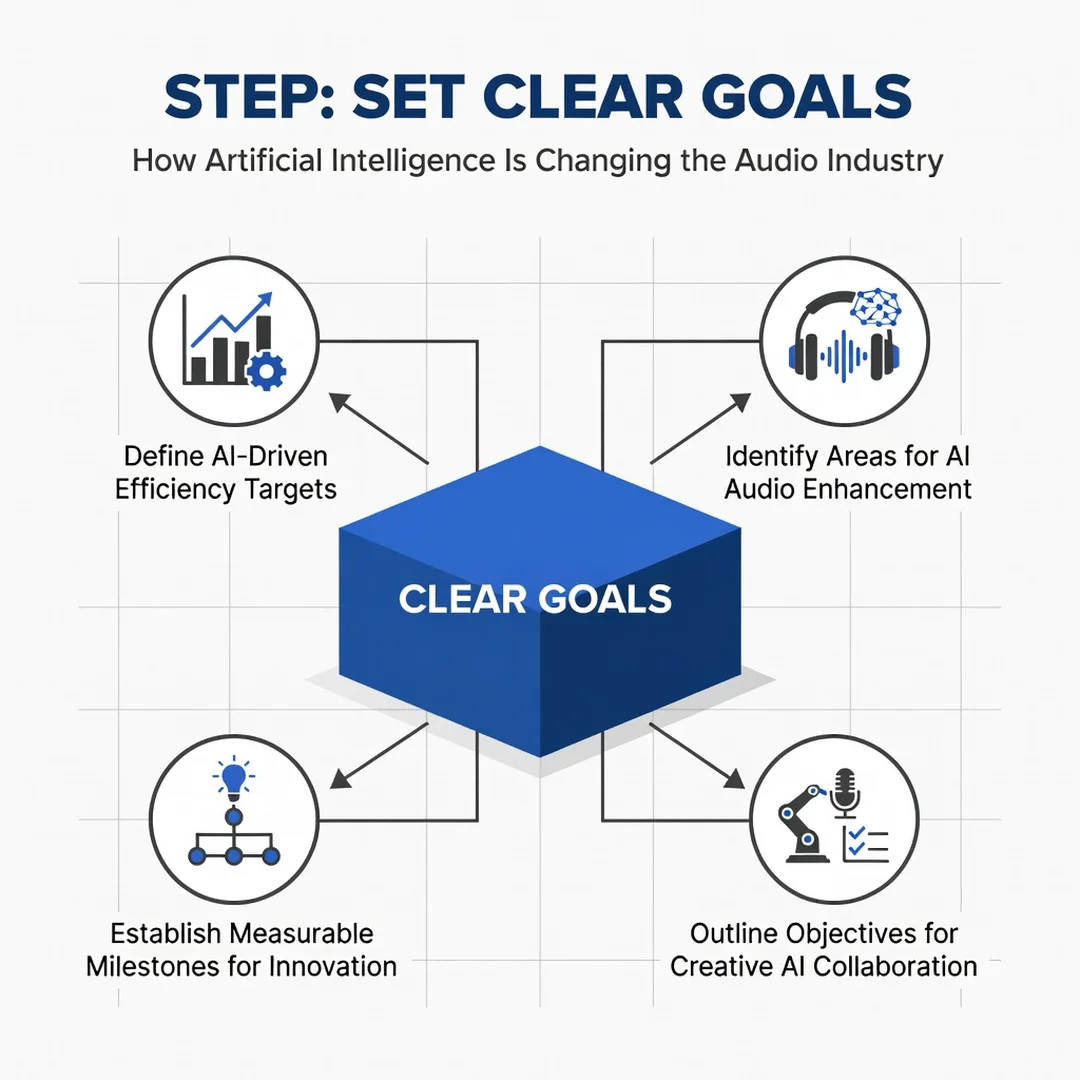
Step 3: Set clear goals
Define what success looks like. A podcaster might want to cut editing time by half. An IT team might want to transcribe 500 hours of support calls per month with 90 percent accuracy. Goals should be specific and measurable. They also determine whether you need real-time processing or batch processing, which in turn affects hardware and cost. Write the goals down and share them with stakeholders.
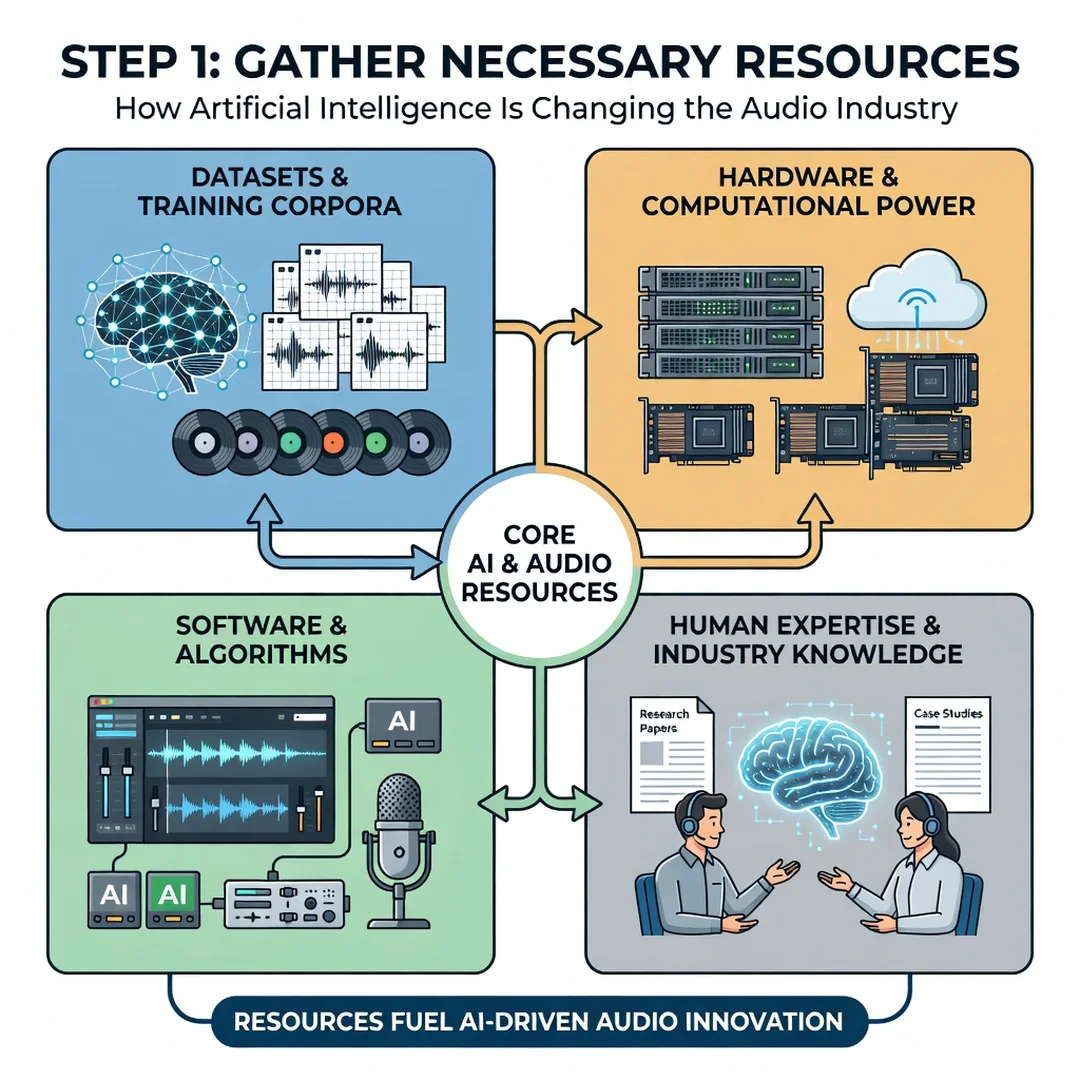
Step 4: Gather necessary resources
Collect the software, models, and documentation you need. This includes the runtime environment, such as Python or a container platform, and the model files themselves. Check licenses before downloading. For administrators, prepare a test environment that mirrors production. Also gather sample audio that represents your real use case. Having representative test data is as important as having the software. If you plan to use cloud APIs, set up accounts and API keys with appropriate access controls.
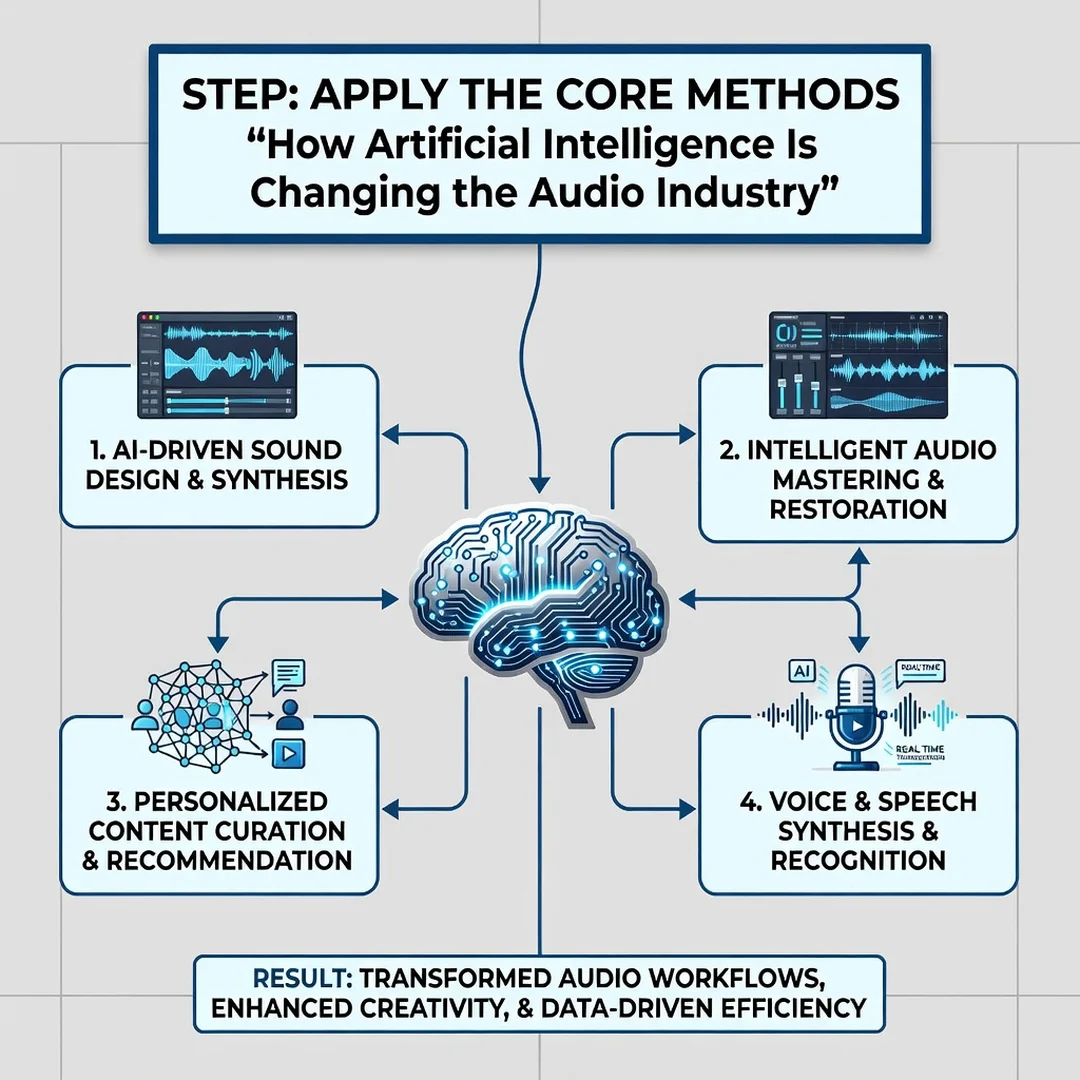
Step 5: Apply the core methods
Install and configure your chosen tools. Always verify software compatibility with your hardware architecture (ARM64 vs x86) during this step. Keeping your operating system updated before installation prevents dependency conflicts, so patch first. Start with a small batch of audio, run the tool, and inspect the output. For transcription, check accuracy against a manually typed sample. For noise suppression, listen for artifacts. For source separation, verify that stems align. Iterate on settings such as model size, sample rate, and chunk length. When results are acceptable, scale up gradually.
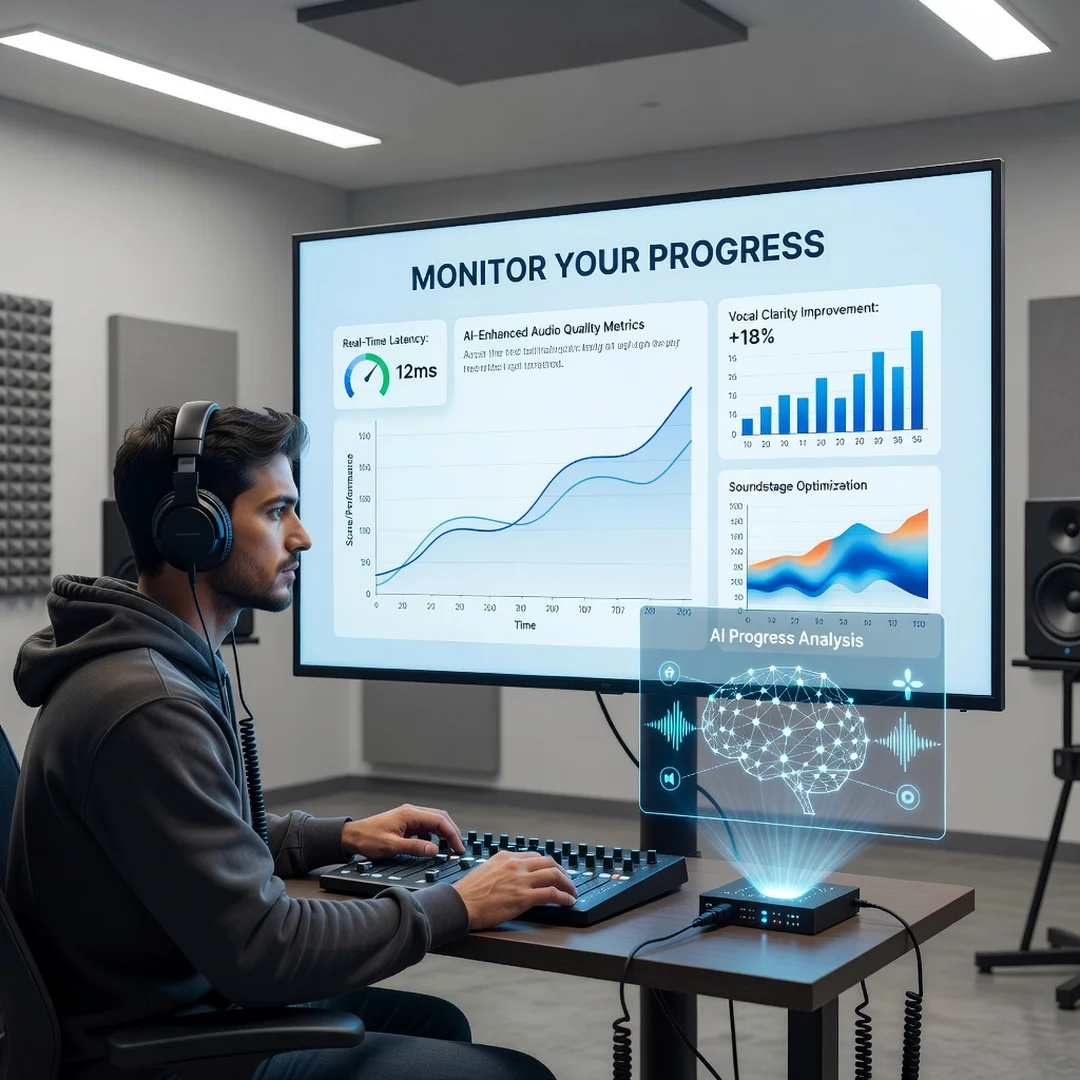
Step 6: Monitor your progress
Track the metrics that matter: processing time, accuracy, resource usage, and user satisfaction. Set up alerts for failures or latency spikes. Review outputs periodically to catch model drift or degradation. For administrators, integrate logs with existing monitoring systems. Use the data to decide whether to retrain, switch models, or add hardware. Monitoring turns a one-time deployment into a sustainable service.
FAQ
How long does it take to complete How Artificial Intelligence Is Changing the Audio Industry?
There is no single completion time because this is an ongoing field rather than a fixed course. A beginner can set up a basic transcription or noise suppression tool in one to two hours. An IT administrator deploying a production service with monitoring and fallback should plan for several days to a few weeks, depending on scale. Mastery of the broader topic takes months of hands-on work. The step-by-step section above is designed so you can move at your own pace.
You now have a complete workflow for How Artificial Intelligence Is Changing the Audio Industry. Keep your system updated, monitor resource usage, and revisit this guide when software versions change.
Next steps: harden your server firewall, set up automated backups, and explore related tutorials linked above.