
Ever wondered why a three-minute song can take up just a few megabytes instead of hundreds? The answer lies in how audio compression reduces file size. By removing redundant or inaudible data, compression shrinks audio files dramatically while keeping them easy to store, stream, and share.
Whether you’re a podcaster, musician, or casual listener, understanding this process helps you balance quality and convenience. In this article, we break down the key techniques behind audio compression and show you how to pick the right format for your needs.
Introduction
Every second, millions of audio files travel across the internet — songs streamed to phones, podcasts downloaded for commutes, voice notes sent between friends, and soundtracks embedded in videos. Without audio compression, most of this activity would grind to a halt under the weight of impossibly large files. A single minute of uncompressed CD-quality stereo audio consumes roughly 10 megabytes per minute, which means a three-minute song would be about 30 MB before any packaging. A one-hour podcast would balloon past 600 MB. Audio compression is the technology that makes modern listening practical, affordable, and fast.
This article explores how audio compression reduces file size with clear, practical guidance. You will learn the difference between the two main families of compression, what actually gets removed or rearranged when a file shrinks, how to choose the right format for your needs, and the habits that keep your audio library efficient over time. Understanding the fundamentals of how audio compression reduces file size helps you make informed decisions — whether you are a podcaster uploading episodes, a musician sharing demos, a developer optimizing an app, or simply someone trying to free up space on a phone.
The core idea is straightforward: compression works by identifying and eliminating redundancy, or by discarding information that human ears are unlikely to notice. How aggressively that happens determines the trade-off between file size and fidelity. Below, we break down the mechanics, walk through a practical step-by-step process, and answer common questions so you can apply this knowledge immediately.
Key Concepts
Before diving into settings and software, it helps to understand the vocabulary. Audio compression is not one single technique — it is a collection of methods, and the terms surrounding it are often used loosely.
Lossless vs. Lossy Compression
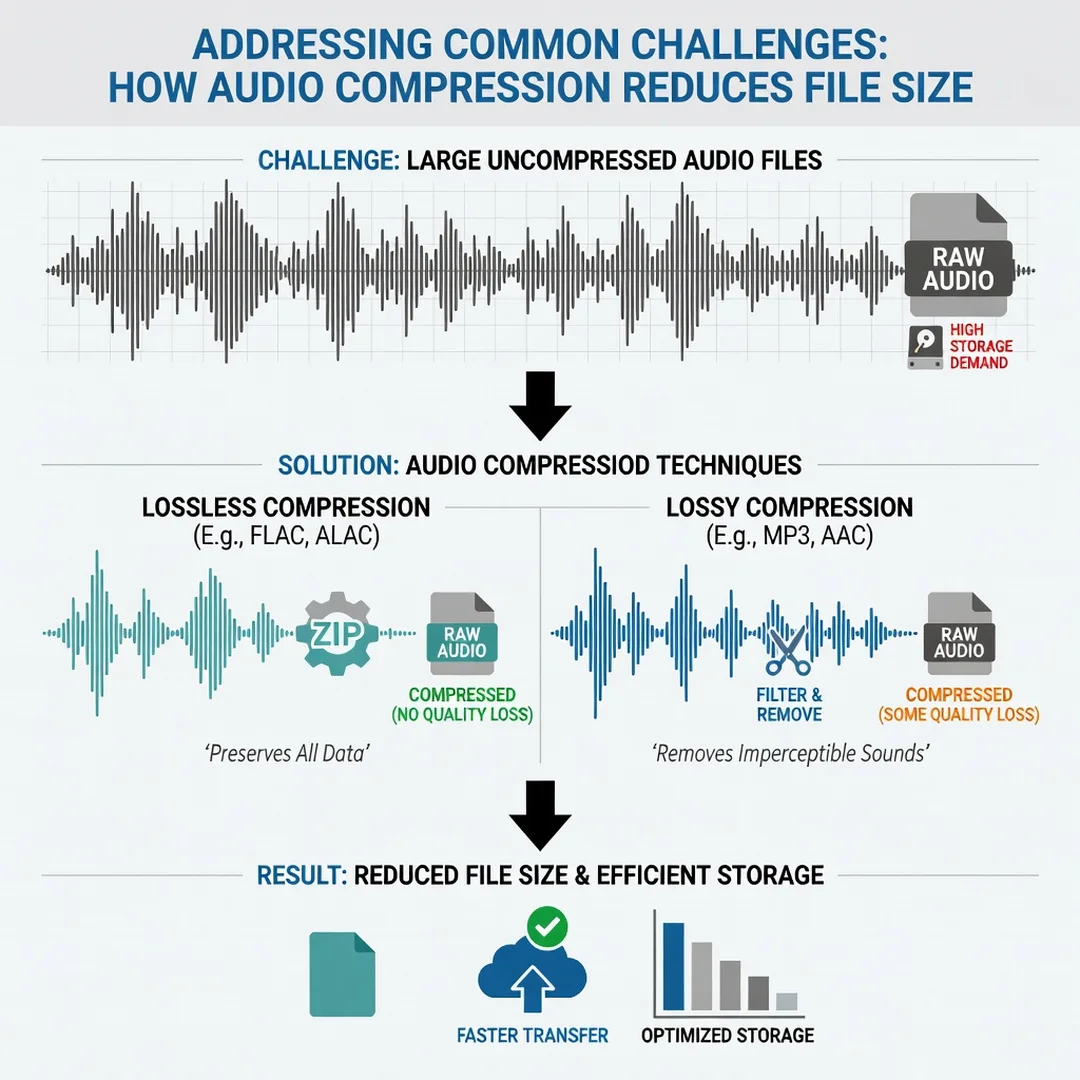
Compression falls into two broad categories. Lossless compression reduces file size without removing any audio information. When you decompress a lossless file, you get back an exact replica of the original data. This works much like zipping a document: the content is identical, just stored more efficiently. Lossless formats include FLAC, ALAC, and WAV variants using compression. Typical savings range from 30% to 60% compared to raw uncompressed audio.
Lossy compression goes further by permanently discarding audio data that is deemed less important. The result is a much smaller file, often 80% to 95% smaller than the original, but the audio is changed forever. You cannot recover the discarded information. MP3, AAC, Ogg Vorbis, and Opus are lossy formats. For most casual listening, the difference is inaudible — but for archiving or professional mastering, it matters enormously.
Bitrate, Sample Rate, and Bit Depth
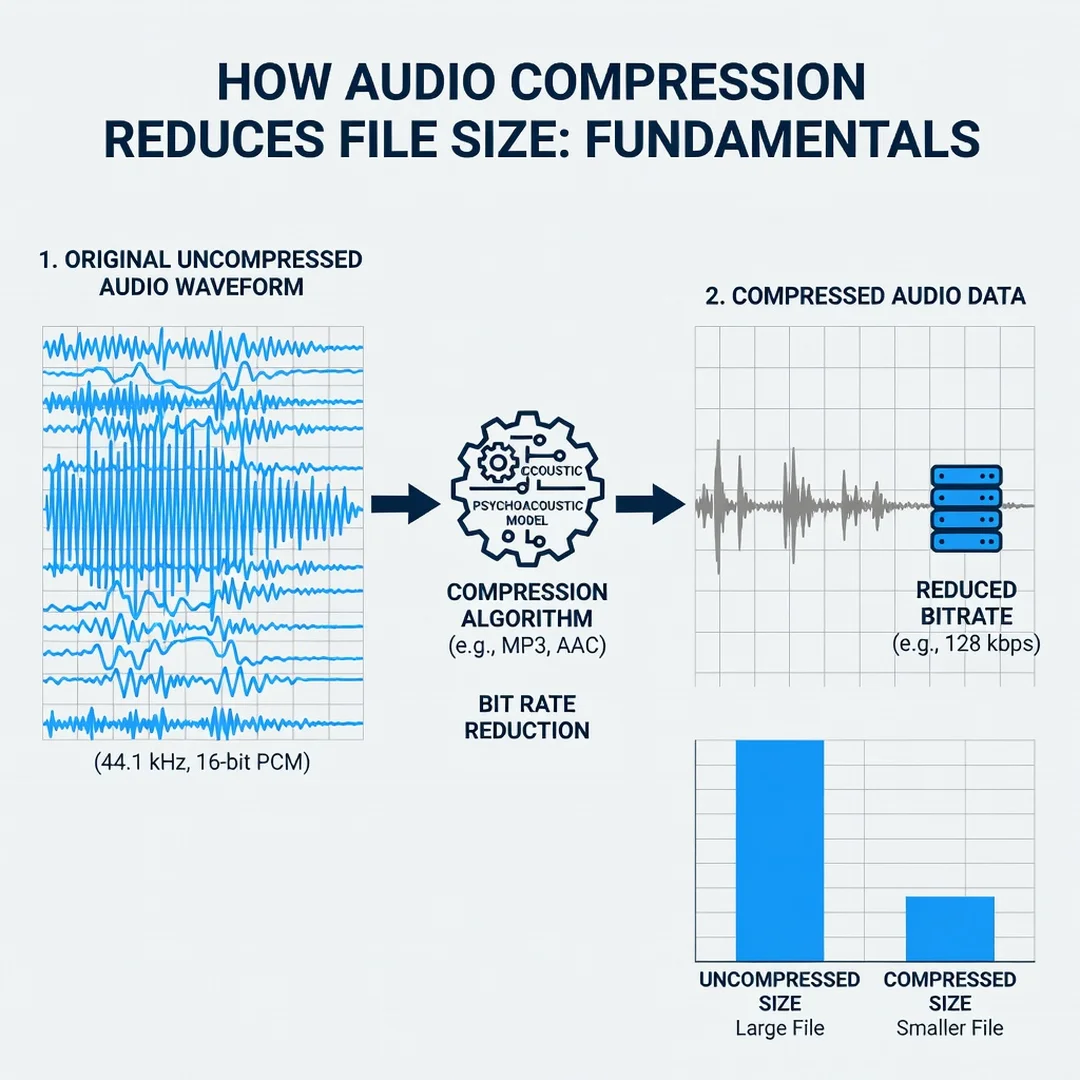
Three technical parameters govern how much data an audio file contains before compression even begins. The sample rate is how many times per second the audio waveform is measured — CD audio uses 44,100 samples per second. Bit depth determines how precisely each sample is stored, with 16-bit and 24-bit being common. Bitrate combines these into a measure of data per second, usually expressed in kilobits per second (kbps). A 320 kbps MP3 carries far more data per second than a 128 kbps MP3, and generally sounds better.
When people talk about “compressing” audio, they often mean lowering the bitrate. That is one lever. The other is choosing a more efficient codec that achieves the same perceived quality at a lower bitrate.
Perceptual Coding
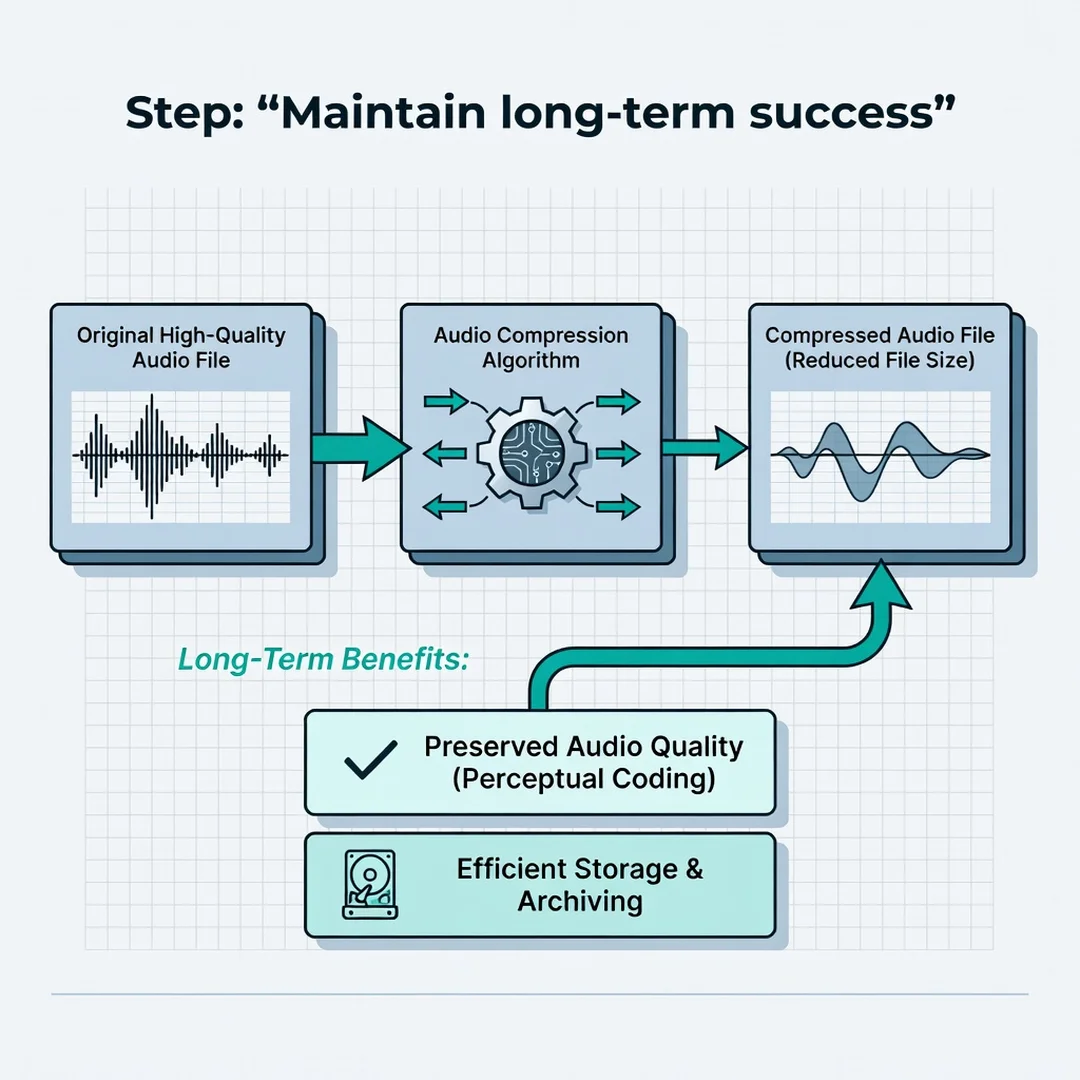
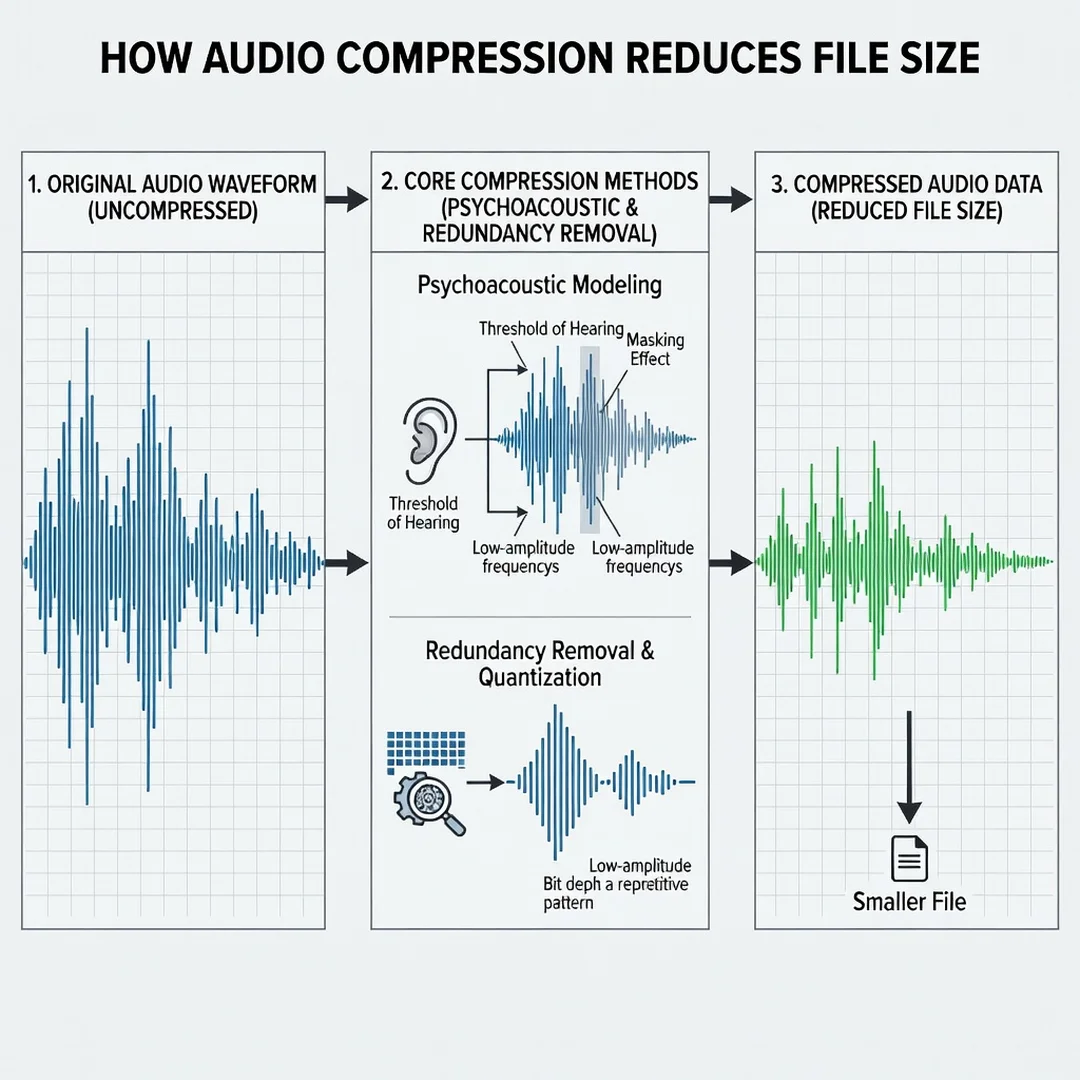
Lossy codecs rely on psychoacoustics — the study of how humans perceive sound. They exploit two well-known effects. First, auditory masking: a loud sound can make a quieter sound at a nearby frequency inaudible. Second, frequency limits: most adults cannot hear above roughly 16–20 kHz, so content above that range can be discarded with little consequence. By removing masked or imperceptible content, codecs shrink files dramatically while preserving what listeners actually notice.
Codecs and Containers
A codec is the algorithm that compresses and decompresses audio. A container is the file format that holds the compressed audio along with metadata, album art, or multiple tracks. MP3 is both a codec and a container in casual usage. MP4 and MKV are containers that can hold AAC or Opus audio. Knowing the distinction helps when converting files, because changing the container does not necessarily re-compress the audio — it may simply repackage it.
Deep Dive
To truly grasp how compression reduces file size, it helps to follow the journey of a sound wave from microphone to finished file.
From Analog to Digital
Sound is a continuous pressure wave. To store it digitally, a device samples the wave thousands of times per second and rounds each measurement to a number. This process alone creates a large amount of data. A stereo track at 44.1 kHz and 16-bit depth produces about 1,411 kilobits per second — roughly 10 MB per minute. Multiply that by an album’s length and storage becomes a real concern.
How Lossless Compression Shrinks Files
Lossless compression looks for patterns. Digital audio often contains repeated sequences, silence, or predictable waveforms. Instead of storing every sample literally, the encoder stores instructions like “repeat the previous value 200 times” or references to earlier identical blocks. This is entropy coding, and it is highly effective on quiet passages and simple sounds. Complex, noisy music compresses less because there are fewer patterns to exploit. That is why a solo piano recording might shrink by 50% while a dense rock mix shrinks by only 30%.
How Lossy Compression Shrinks Files Further
Lossy compression adds a perceptual filter on top of pattern-based reduction. The encoder analyzes the audio in short overlapping windows, transforms each window into its frequency components, and then decides which components are expendable. Components below the masking threshold are discarded. Components above the audible frequency range are discarded. The remaining data is quantized — rounded to coarser values — which introduces small errors but saves many bits. Finally, the result is entropy-coded like a lossless file.
The bitrate you choose controls how aggressive this process is. At 320 kbps, an MP3 retains a great deal of detail. At 96 kbps, it discards much more, and artifacts like swirling “watery” sounds or dulled cymbals become audible. Modern codecs such as Opus perform noticeably better at low bitrates than the venerable MP3, which is why streaming platforms have migrated toward them.
The Real-World Trade-Off
There is no free lunch. Reducing file size always involves a trade-off among storage, bandwidth, quality, and compatibility. A lossless FLAC file sounds perfect but is large and not universally supported by older devices. A 128 kbps MP3 plays anywhere and is tiny, but critical listeners may hear its limits. The right choice depends on your goal. For archiving a master recording, go lossless. For streaming to a wide audience on varied connections, a mid-to-high bitrate lossy format is usually ideal.
Reliable information and consistent habits lead to better long-term outcomes. Choosing a sensible default bitrate, naming files consistently, and keeping original masters separate from distribution copies will save you enormous headaches later.
Best Practices
Applying compression well is as much about discipline as it is about technical settings. The following practices help you get small files without regretting the results.
- Always keep an uncompressed or lossless master. Once audio is compressed lossily, quality cannot be restored. Store the original separately before creating distribution copies.
- Match the bitrate to the content. Spoken-word podcasts sound fine at 64–96 kbps mono. Music generally benefits from 192–320 kbps stereo. Classical and acoustic recordings deserve the higher end.
- Prefer modern codecs when compatibility allows. Opus and AAC deliver better quality at lower bitrates than MP3. Use MP3 only when you need maximum device support.
- Avoid re-compressing lossy files. Each lossy pass adds artifacts. Convert from the master, never from a previously compressed copy.
- Use variable bitrate (VBR) for music. VBR spends more data on complex passages and less on simple ones, improving quality per byte.
- Check loudness and peaks after compression. Some encoders alter levels slightly. A quick listen on both headphones and speakers catches problems.
- Organize with clear naming and metadata. Include bitrate and format in filenames so you always know what you are working with.
Step-by-Step Guide
Step 1: Understand the fundamentals
Start by identifying whether you need lossless or lossy compression. If the file is a master, an archive, or a source for further editing, choose lossless. If it is a final delivery for streaming, downloading, or messaging, lossy is appropriate. Knowing this distinction before you touch any software prevents irreversible mistakes.
Step 2: Assess your starting point
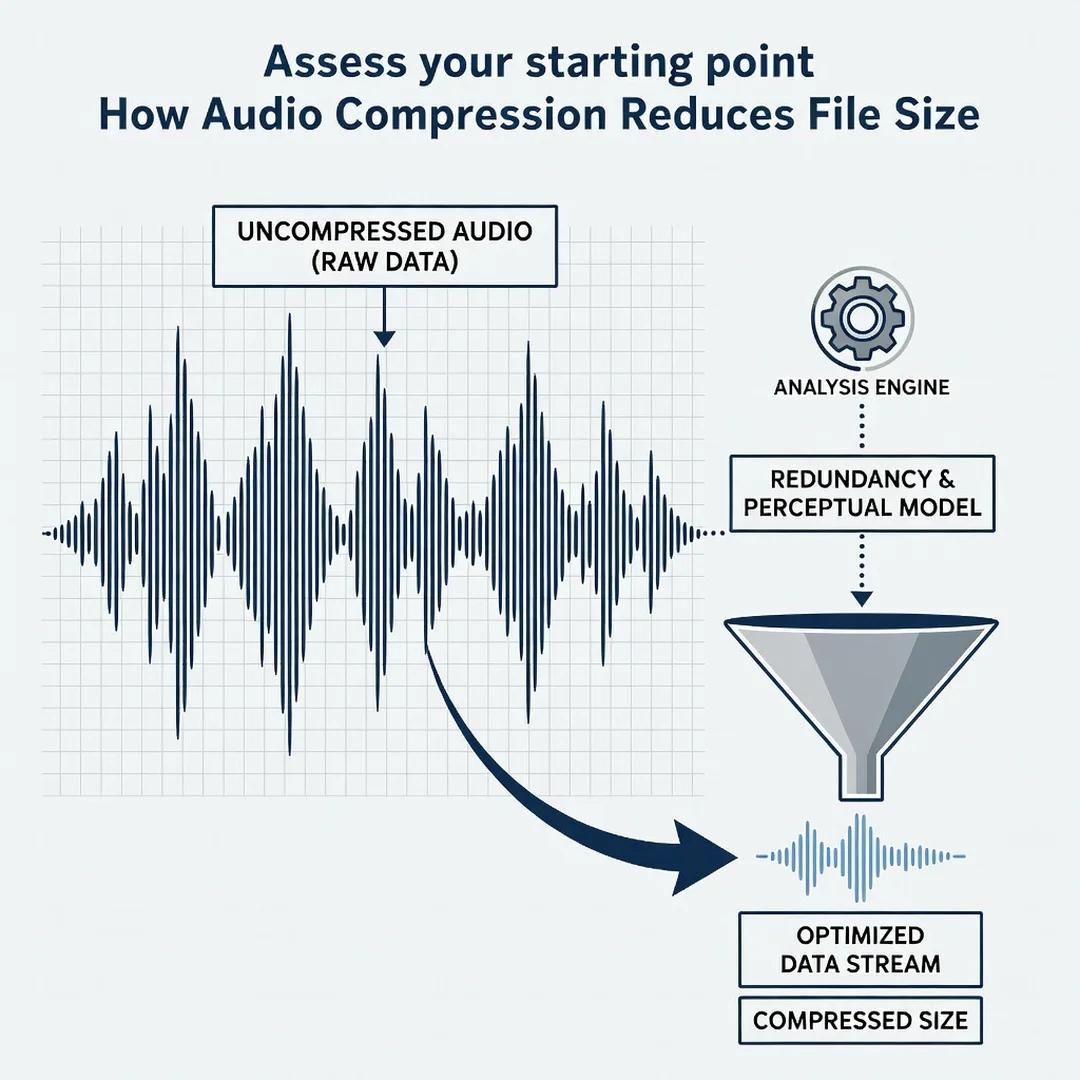
Examine your source file. Note its format, sample rate, bit depth, and current bitrate. If it is already a low-bitrate lossy file, compressing it again will only degrade quality. If it is a large WAV or AIFF, you have plenty of room to work with.
Step 3: Set clear goals
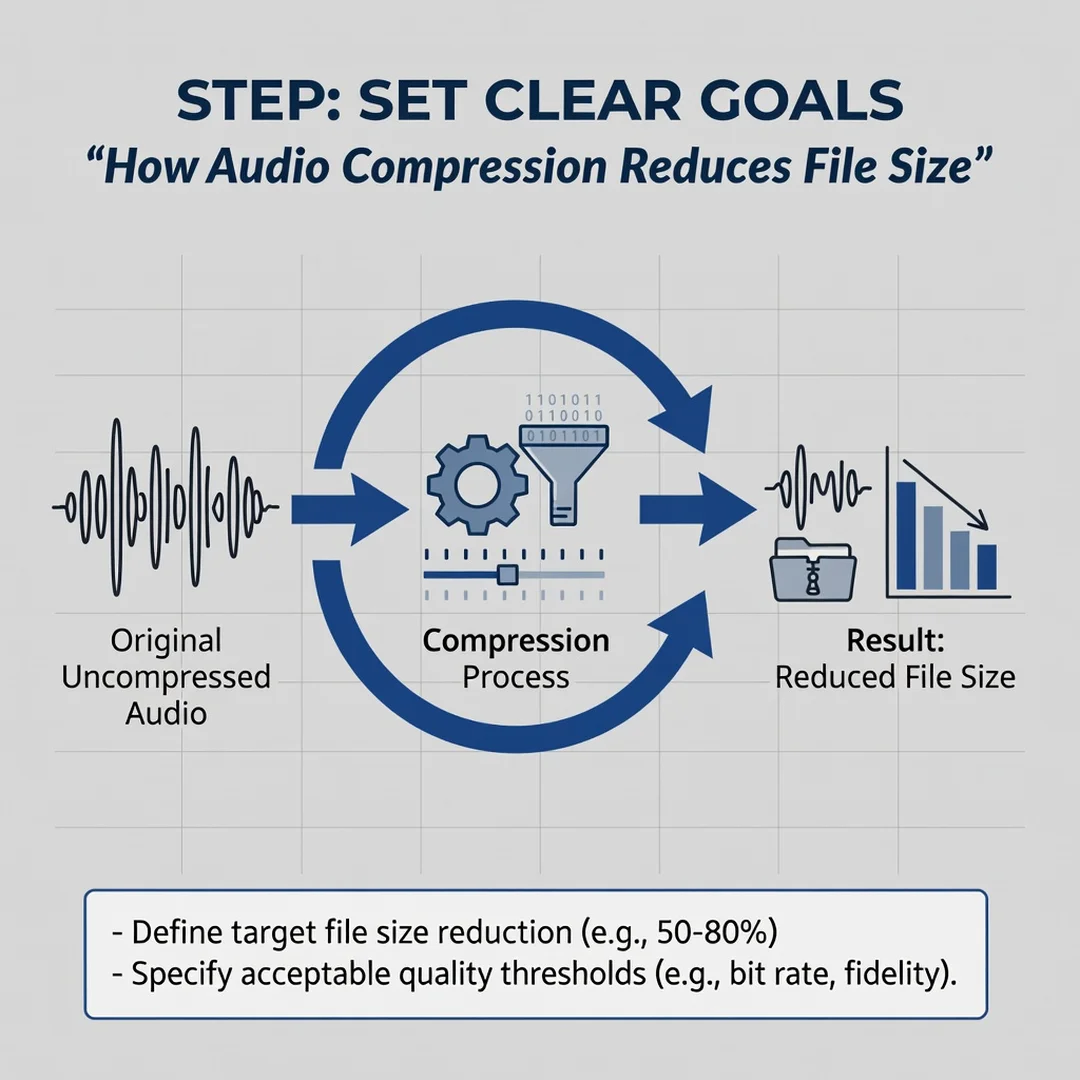
Decide what matters most: smallest possible size, highest possible quality, or broad compatibility. Write down a target — for example, “podcast episodes under 30 MB per hour” or “music at 256 kbps AAC for mobile streaming.” A specific target makes every subsequent decision easier.
Step 4: Gather necessary resources
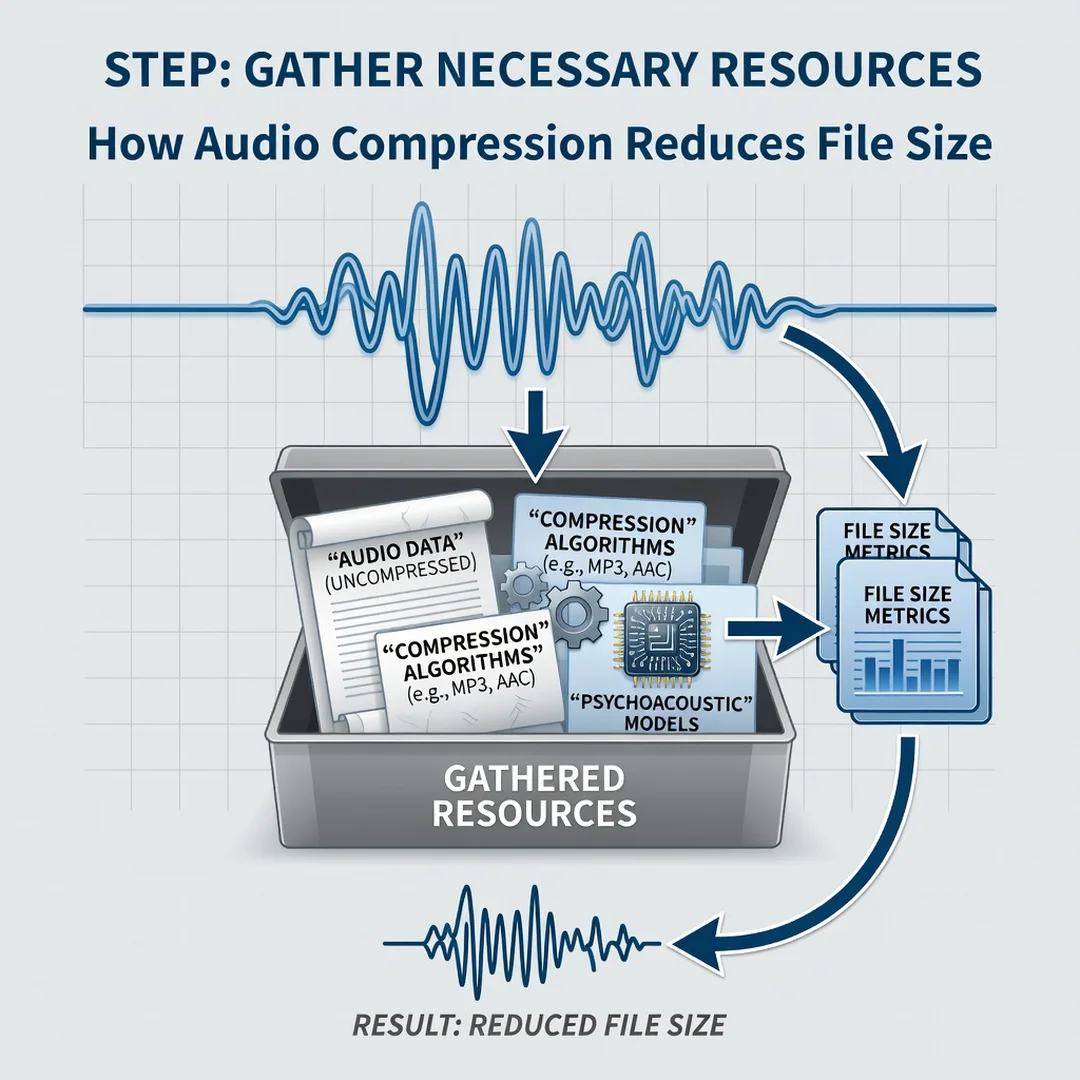
Choose a reliable encoder. Free options like FFmpeg, Audacity, and fre:ac handle most formats. Commercial tools such as Adobe Audition or Logic Pro offer more control. Ensure you have enough storage for both the original and the compressed output, and back up the master before you begin.
Step 5: Apply the core methods
Export your audio using the format and bitrate you selected. For speech, try 64 kbps mono Opus or AAC. For music, start at 192 kbps and move up if you hear artifacts. Use variable bitrate where available. Compare the compressed file against the original on good headphones before finalizing.
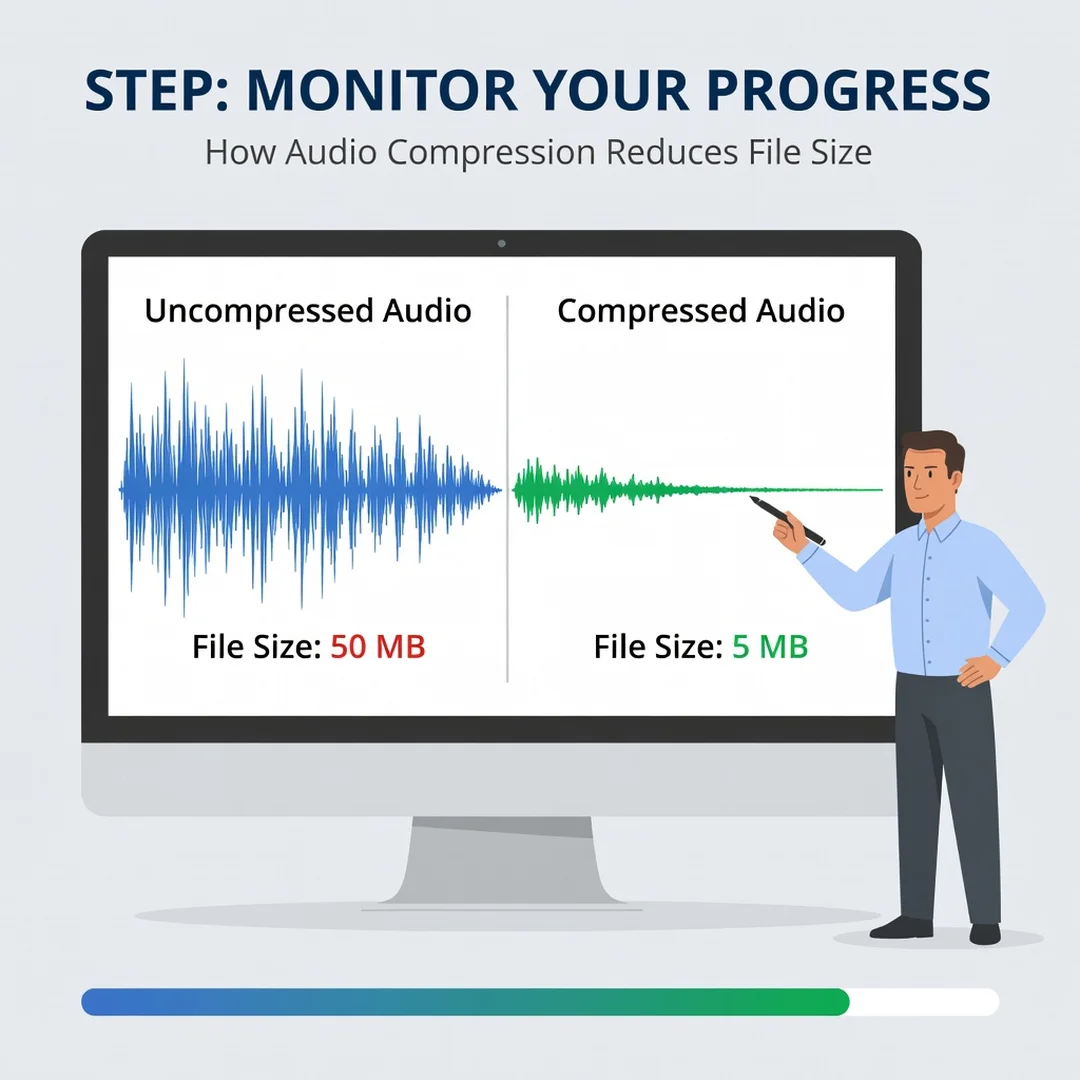
Step 6: Monitor your progress
Track file sizes and listen critically over time. Keep a simple log of settings that worked well so you can repeat them. Periodically review your library to ensure no files were compressed twice or stored at unnecessarily high bitrates. Consistent habits compound into a well-organized, efficient collection.
FAQ
What should I know about How Audio Compression Reduces File Size?
You now have a solid foundation for How Audio Compression Reduces File Size. Apply the best practices above and revisit this guide as your needs evolve.